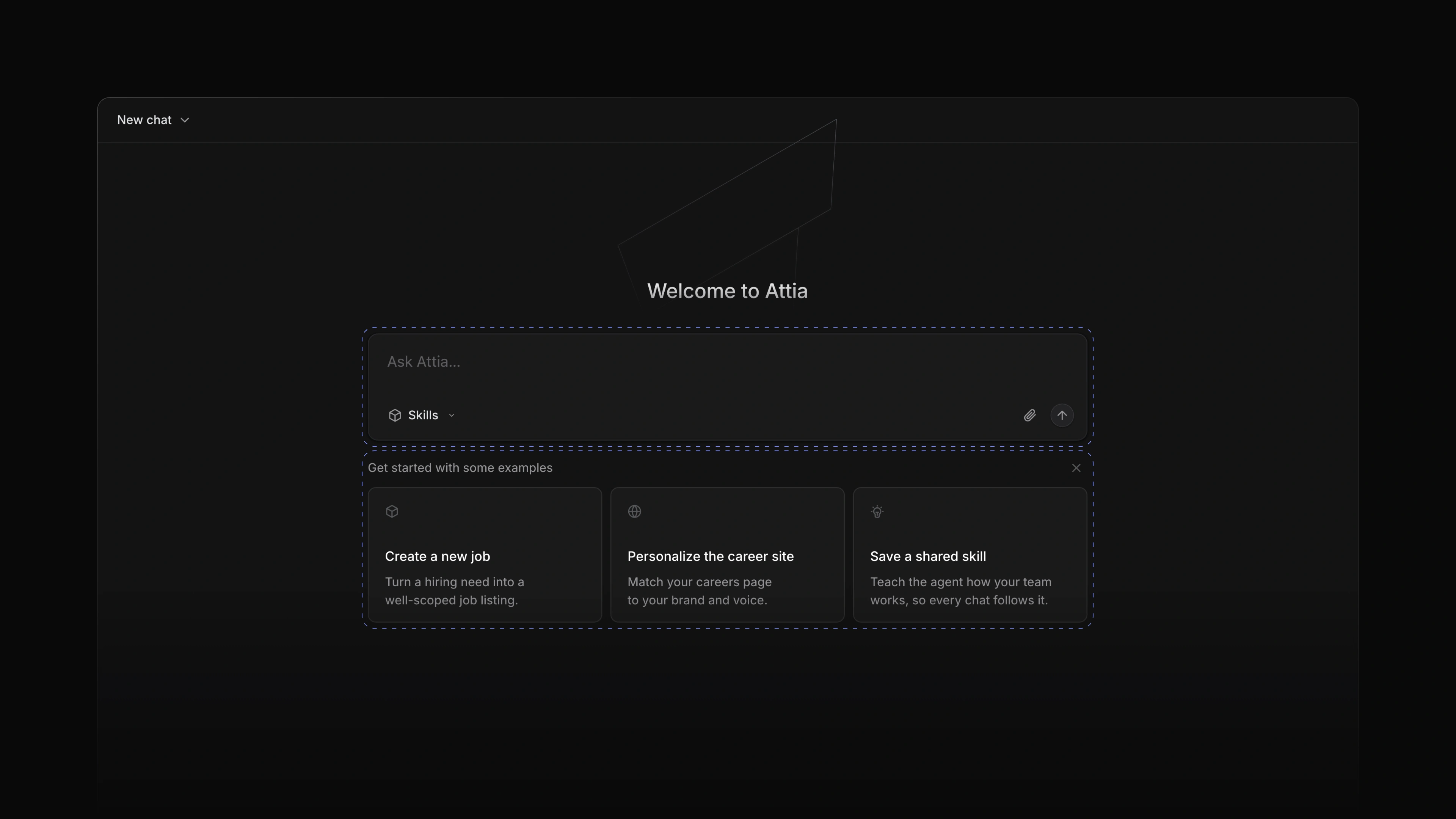
Attia Agent in threads
 Zoom image
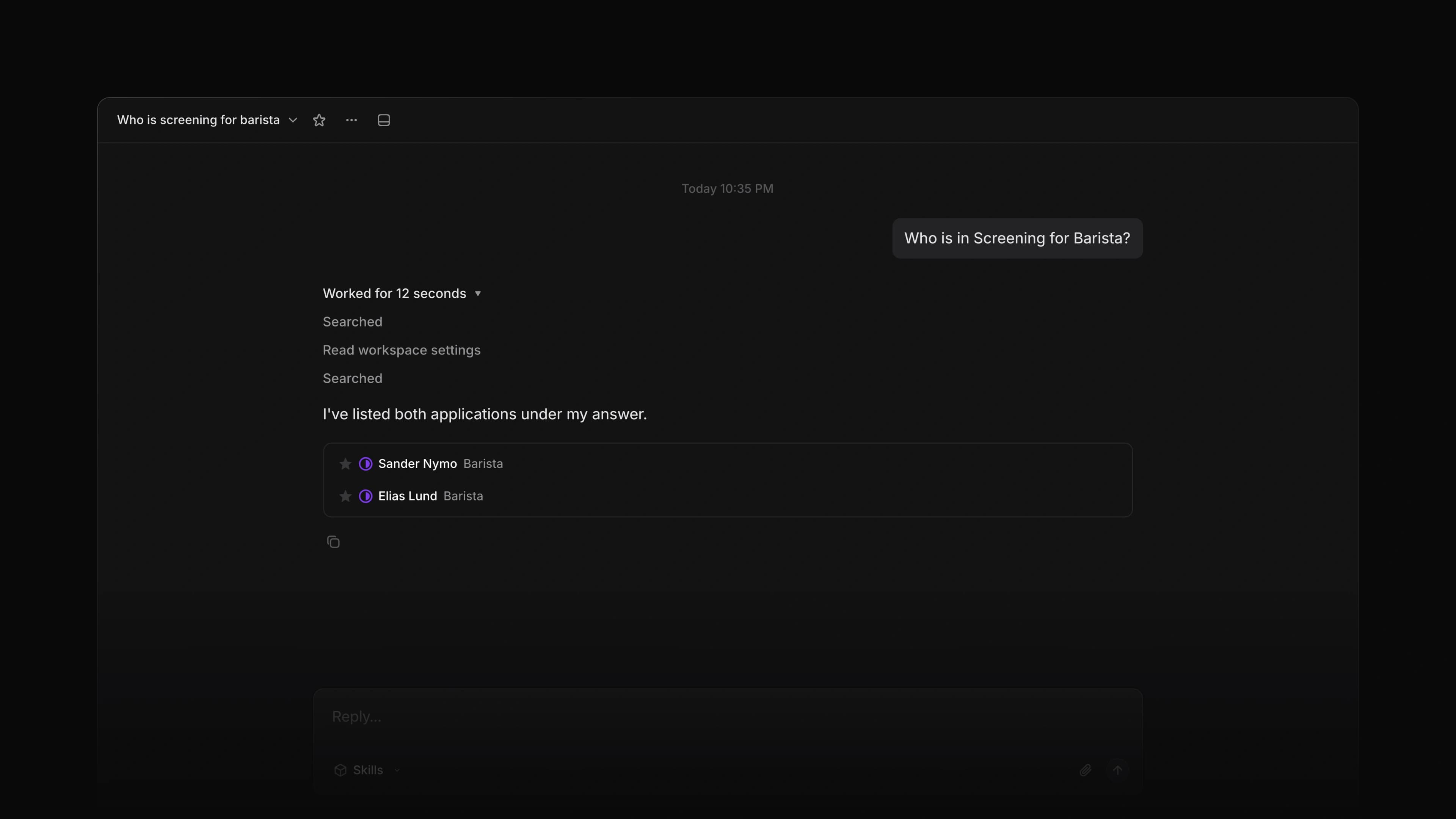
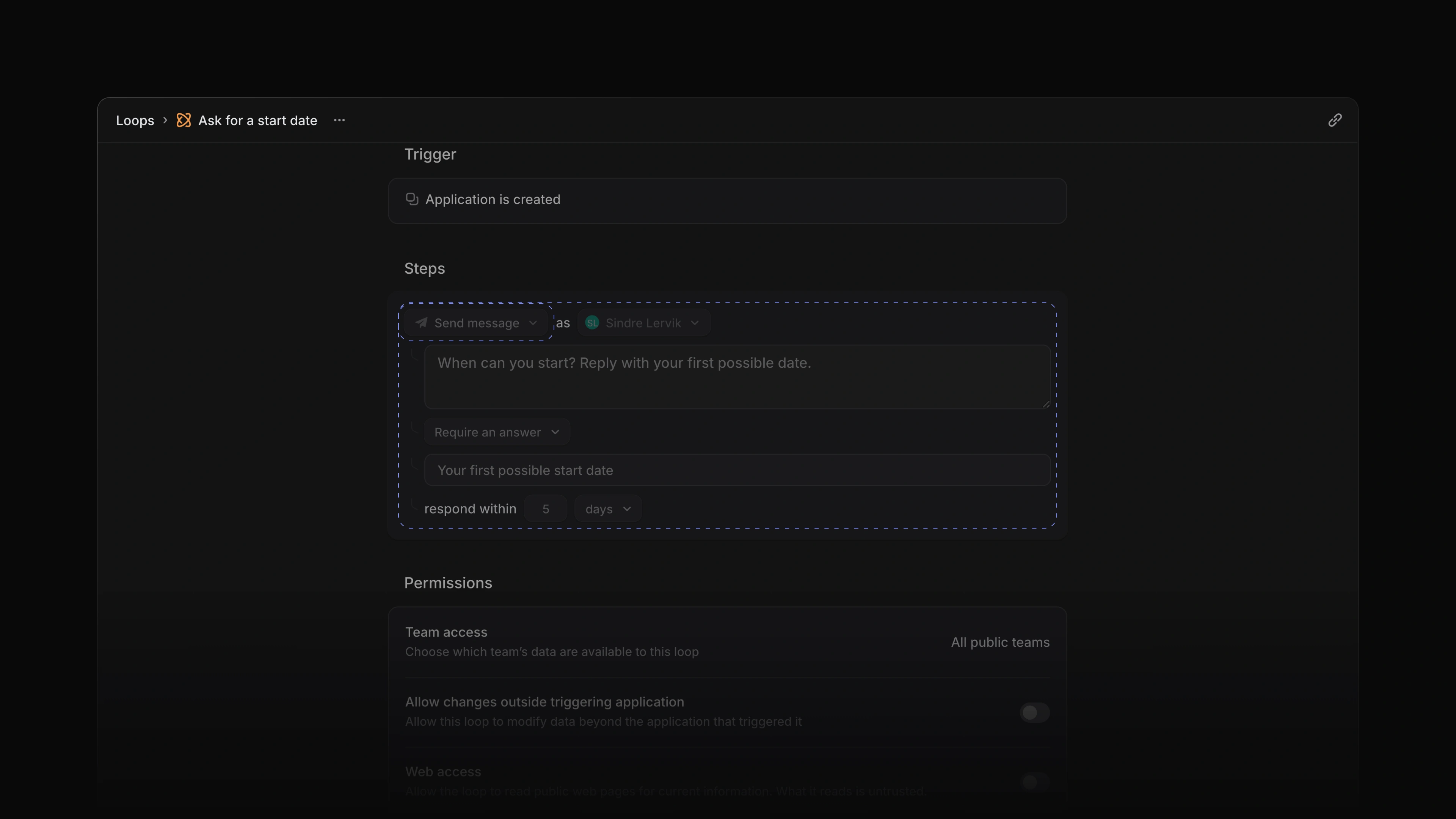
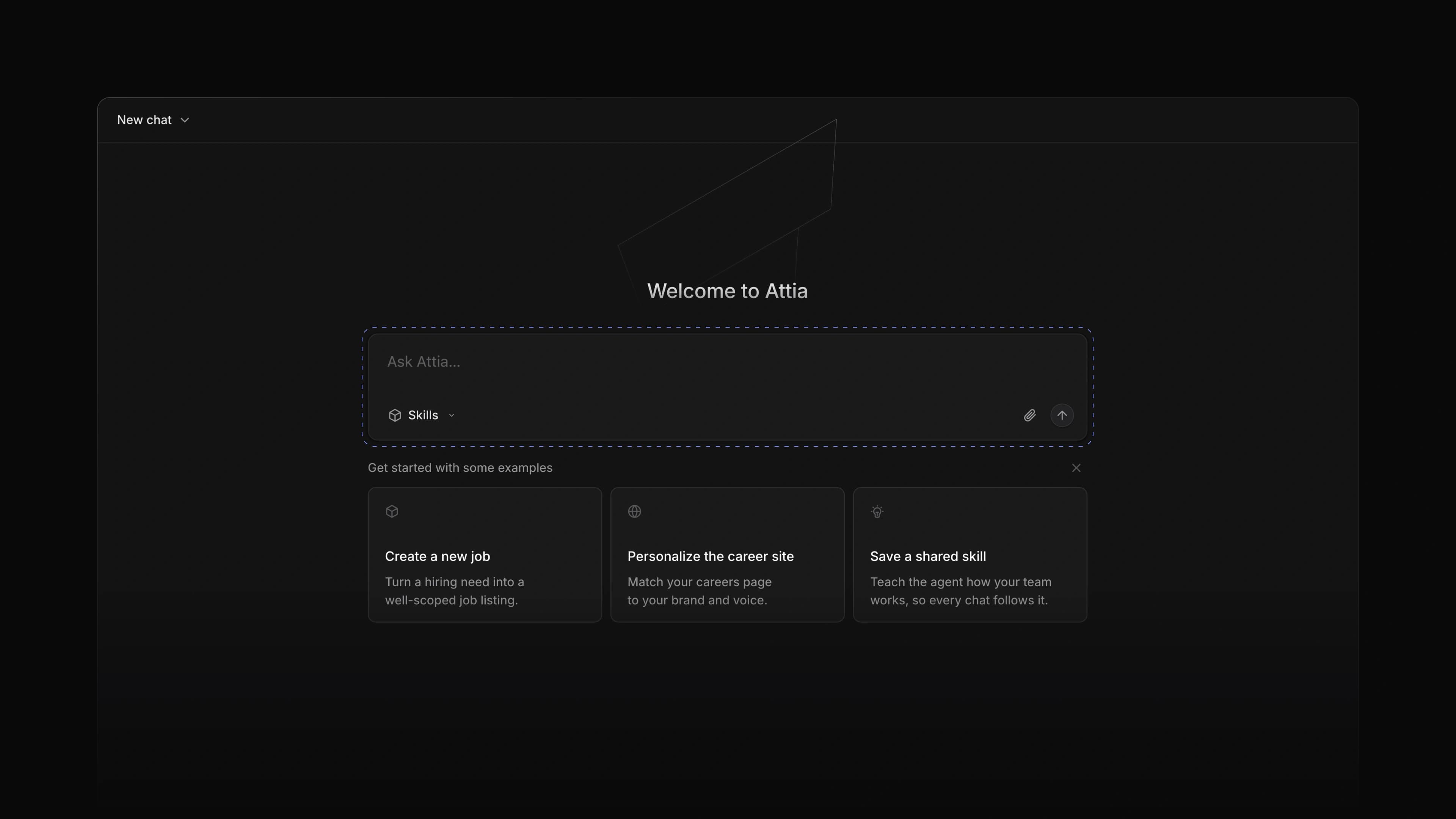
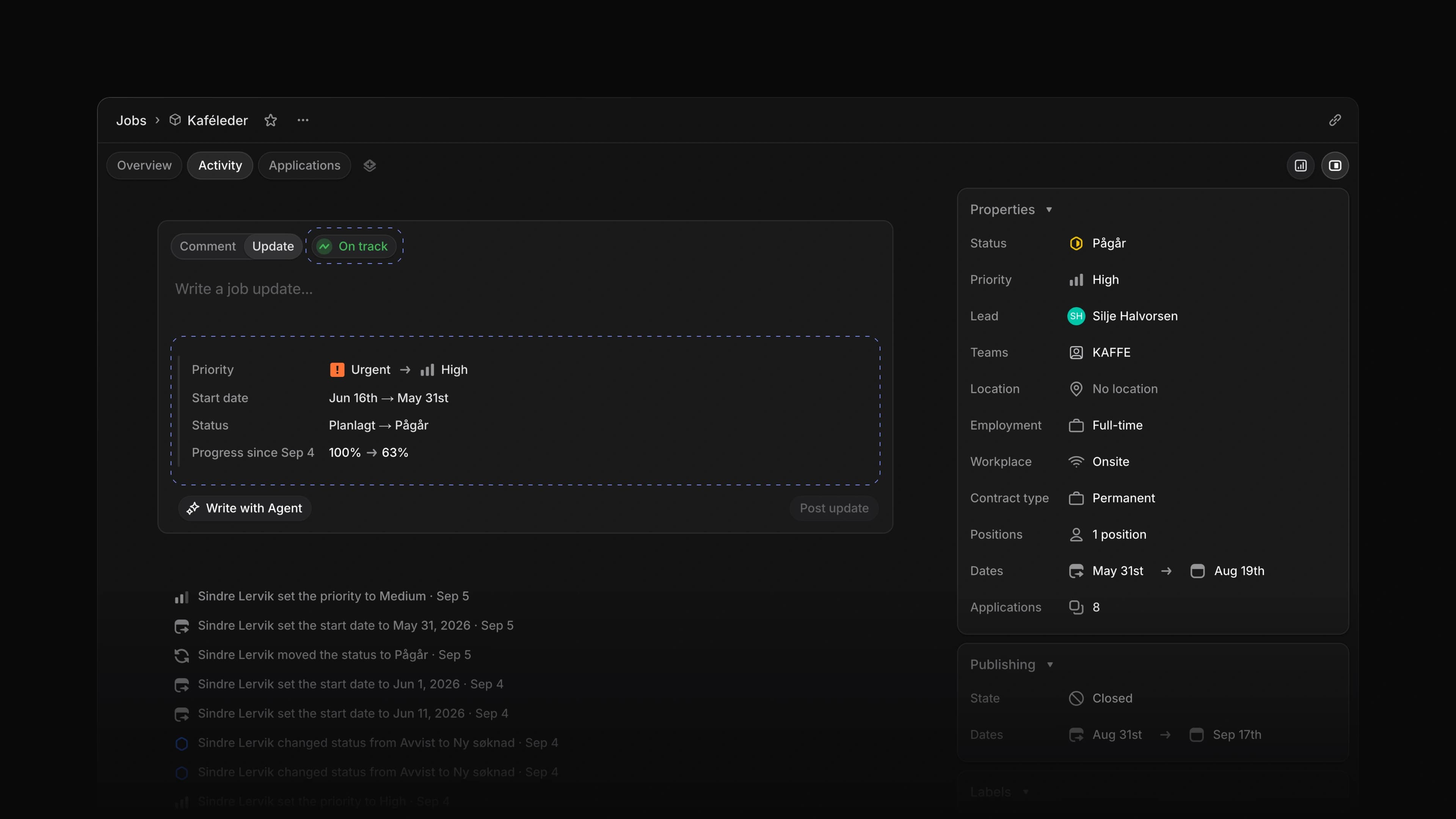
A question about a candidate usually starts in a comment. Until now Attia Agent lived in its own chat, so you copied the question over, read the answer there and pasted it back for your team.
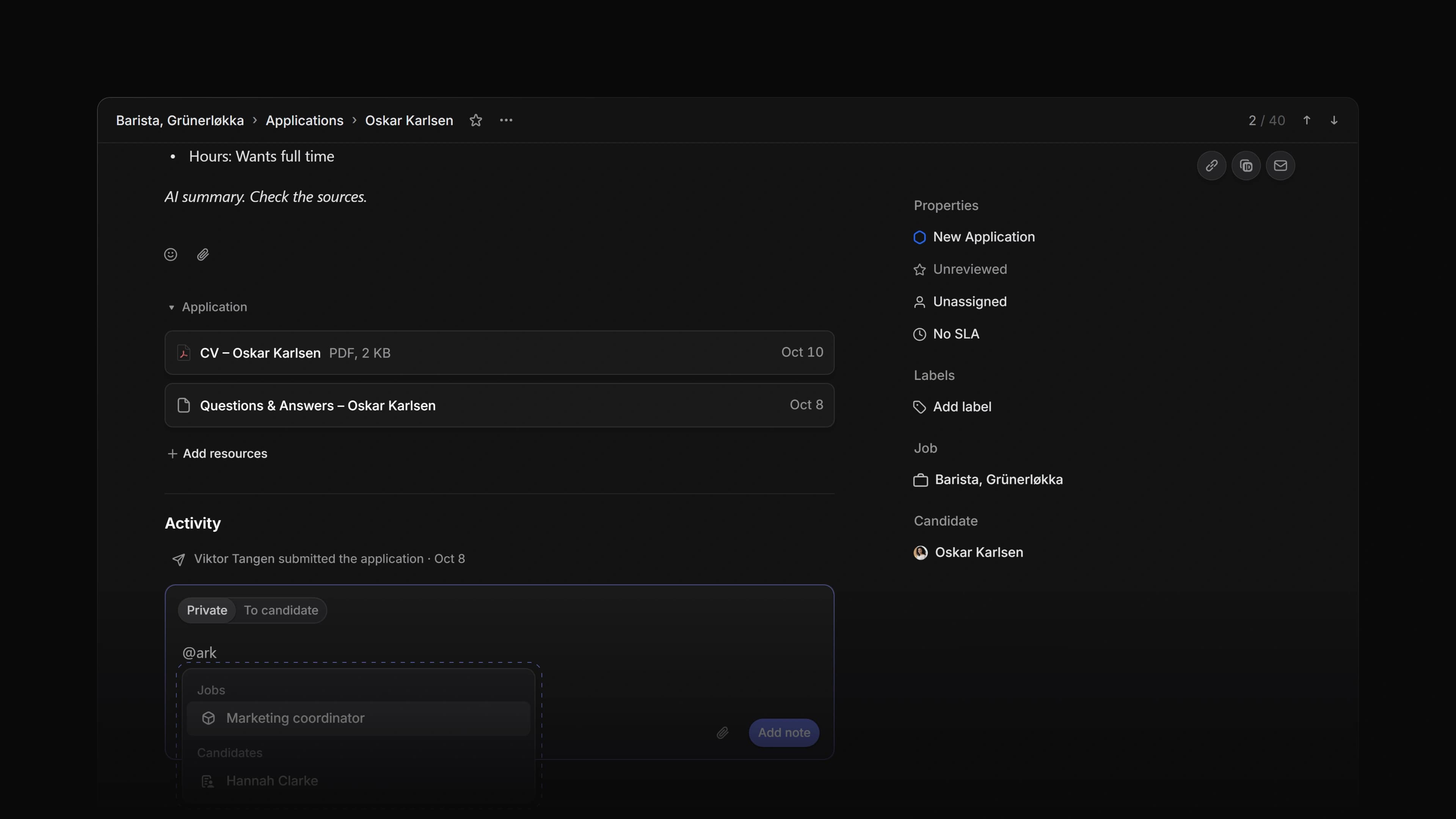
Now you ask Attia in the thread itself. Mention it in a private note on an application, in a comment or an update on a job, or in a reply, and Attia answers under your comment, where everyone on the thread can read it. Attia knows who asked, so "assign this to me" means you.
Ask how many years of café experience the candidate has, and Attia reads the application and the CV and replies in the thread. To start, type @ in a comment, choose Attia under Agent and write your question.
Summaries
Ask Attia for a summary and it reads the application, its files, and the comments and messages on it, then writes the application's summary. The summary is for your team and the candidate never sees it. Instead of a long reply, the thread shows one line: Attia finished application summary. If the application already has a summary, Attia keeps it unless you ask for a new one.
While it works
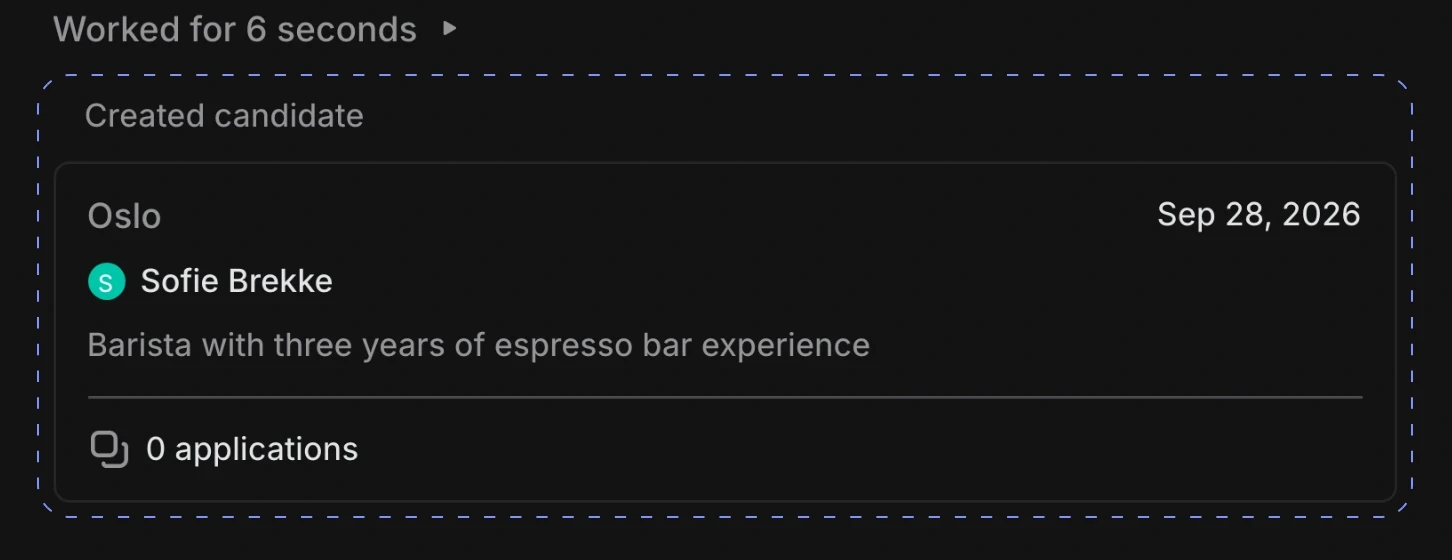
Your comment gets a row with Attia's mark while it works. The row says what Attia is doing, such as Writing application summary, and the reply takes its place when Attia is done. When Attia only made changes, you get one line per change instead of a reply.
Changes that need approval
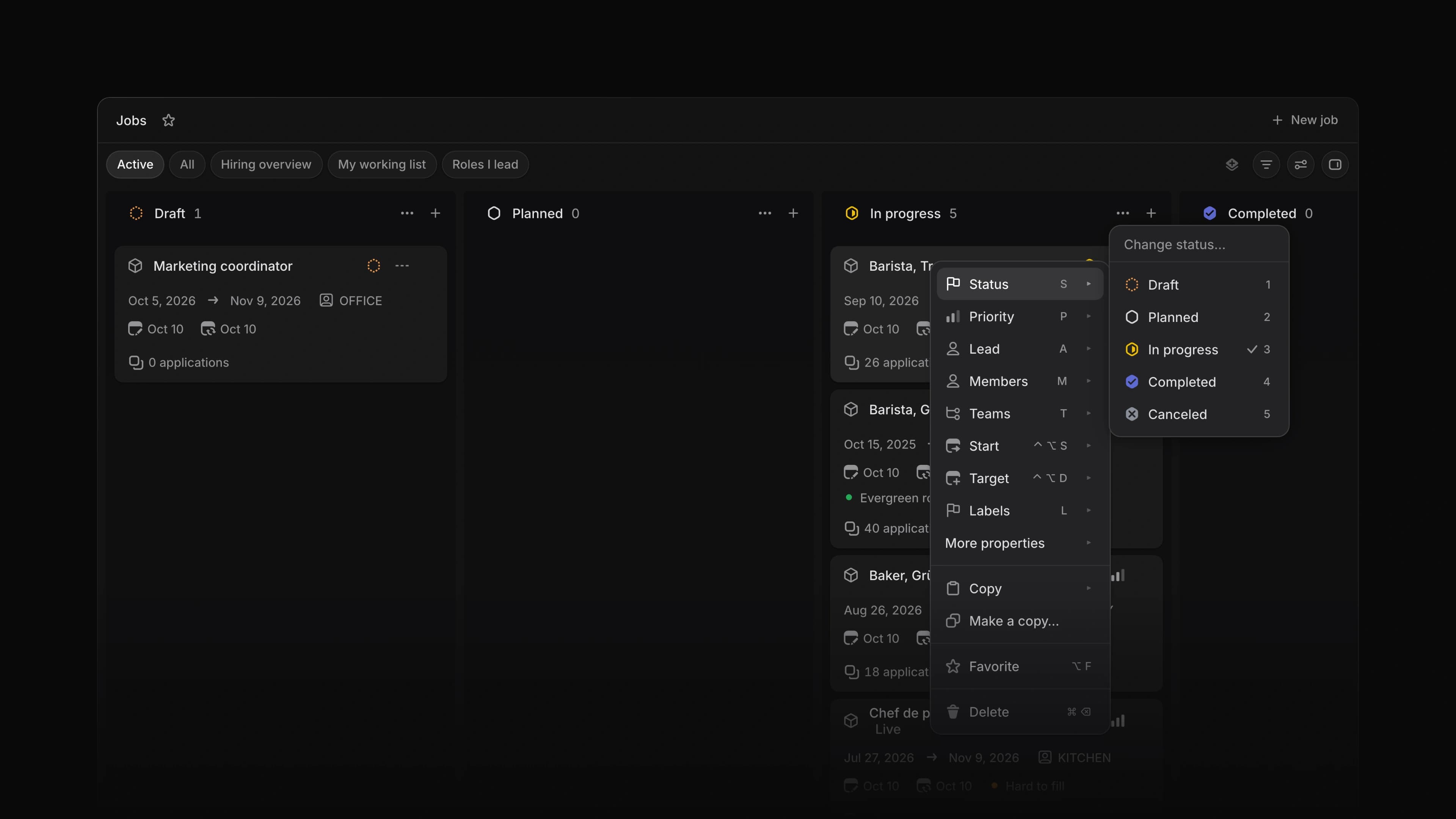
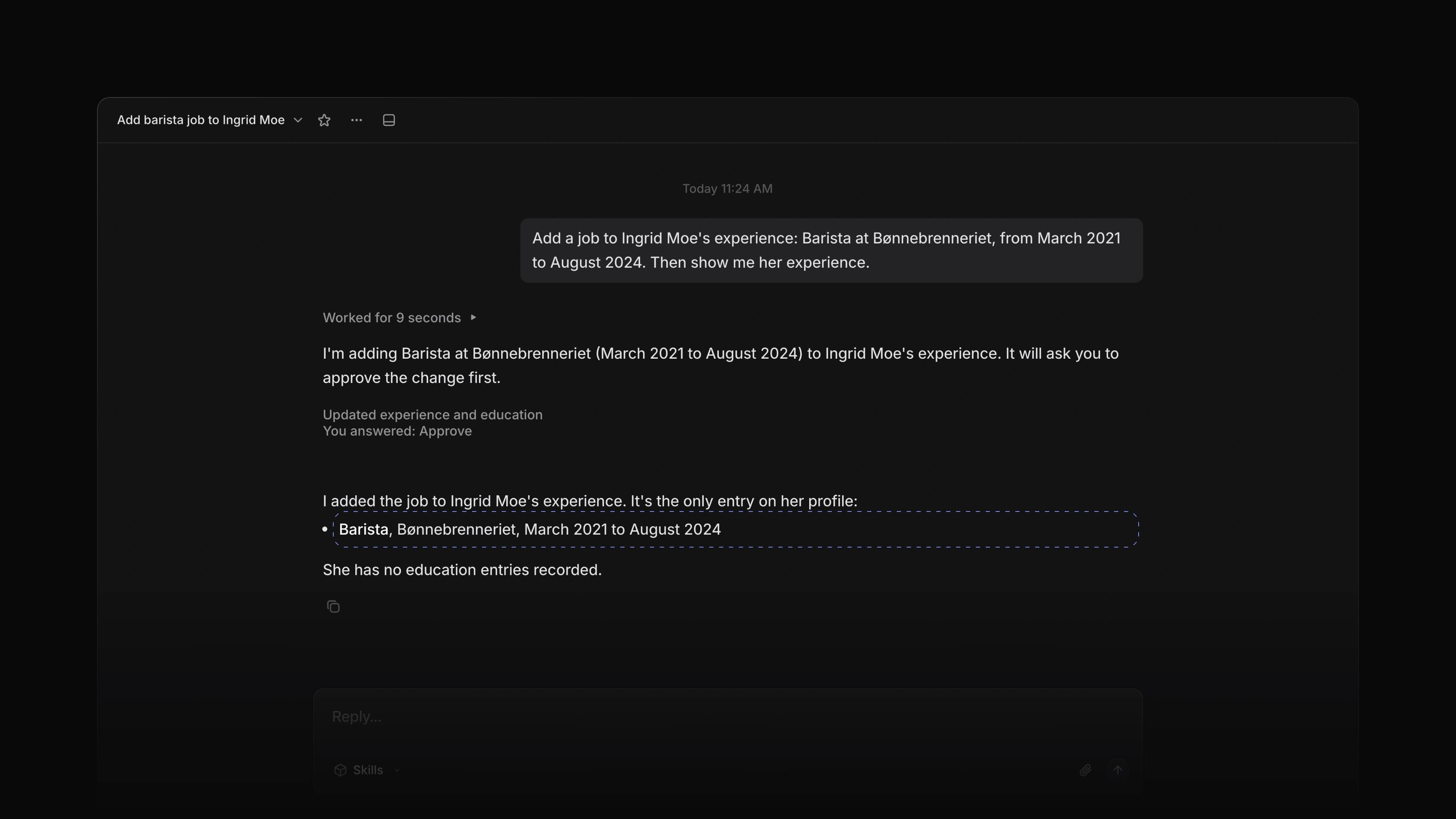
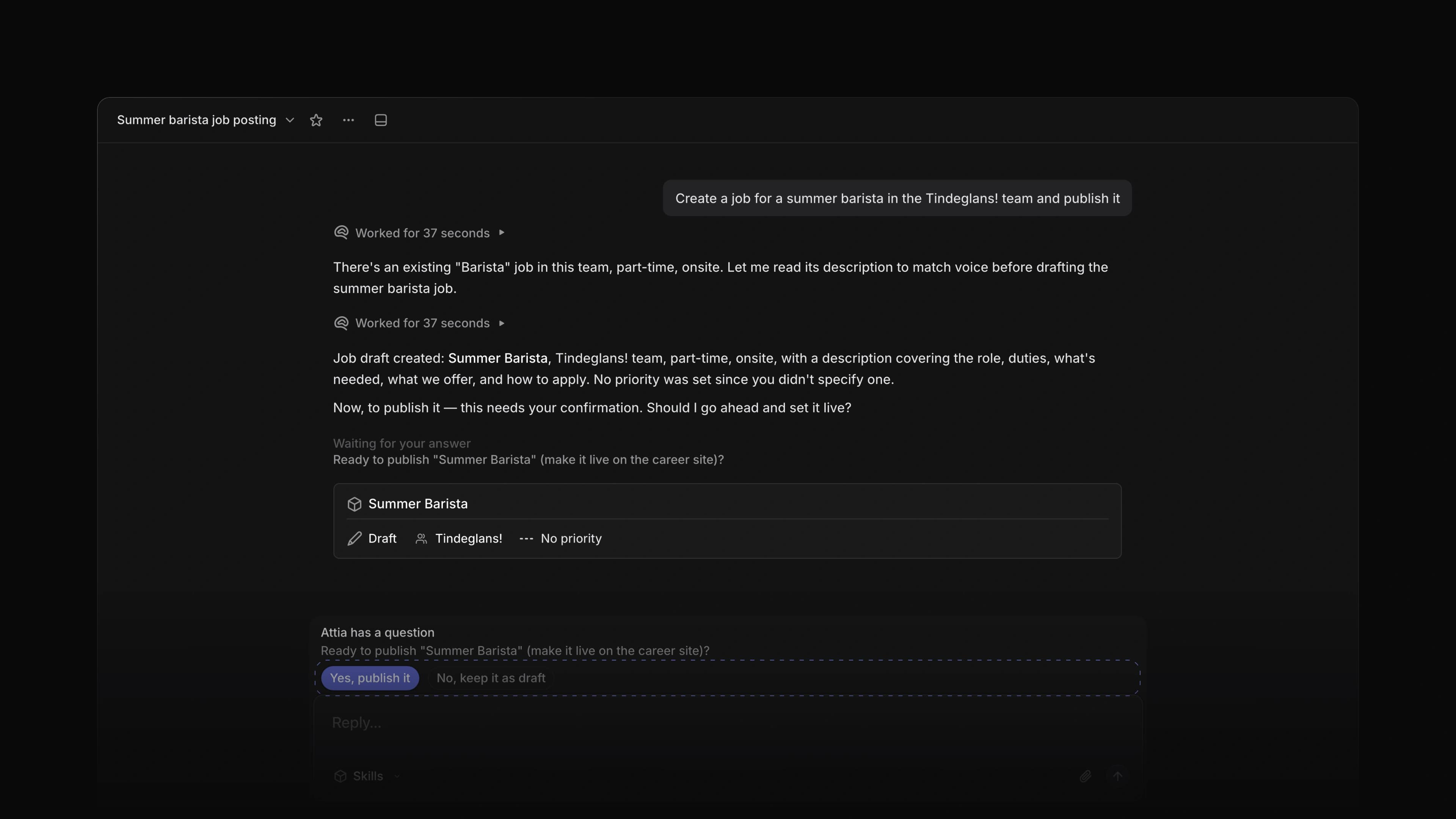
Some changes wait for your approval in the Attia Agent chat, and a thread has no approve button. Attia does not make such a change from a thread. It replies with what it would change and where you can make the change yourself.
Thumbs up and down
Point at one of Attia's replies and you get thumbs up and thumbs down beside Add reaction. A thumb is a reaction like any other, so your team sees it too.
Link-only jobs
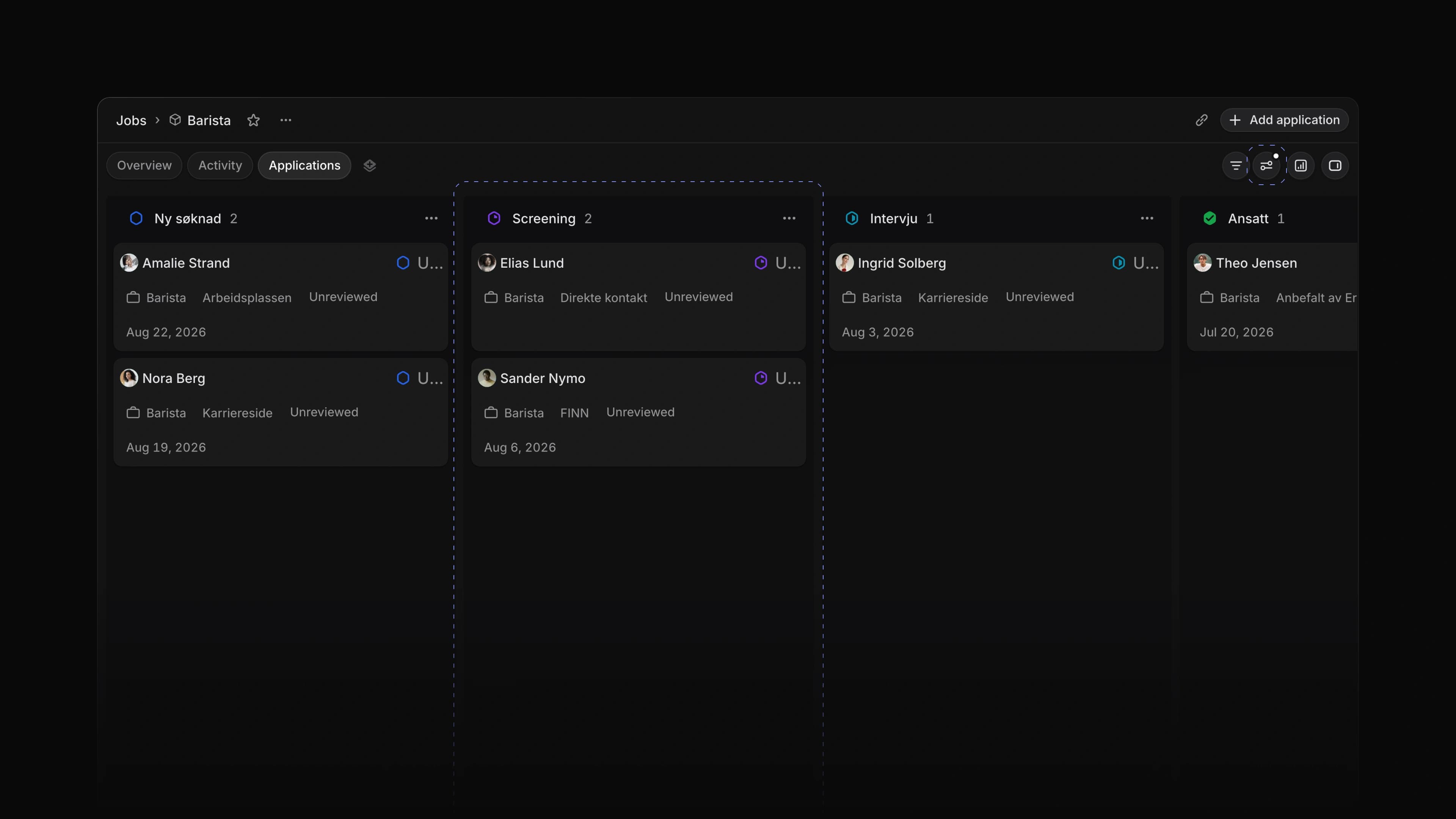
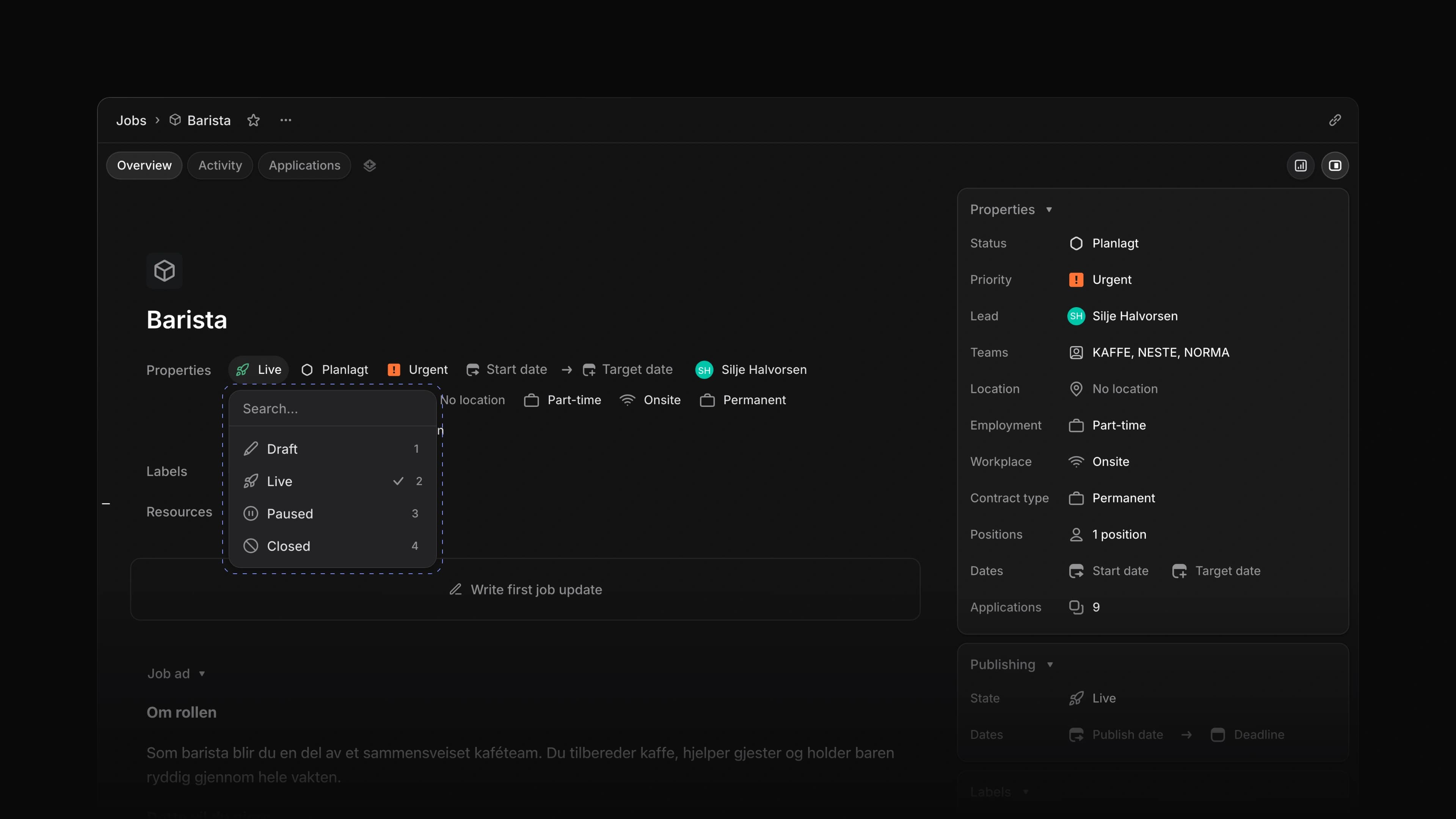
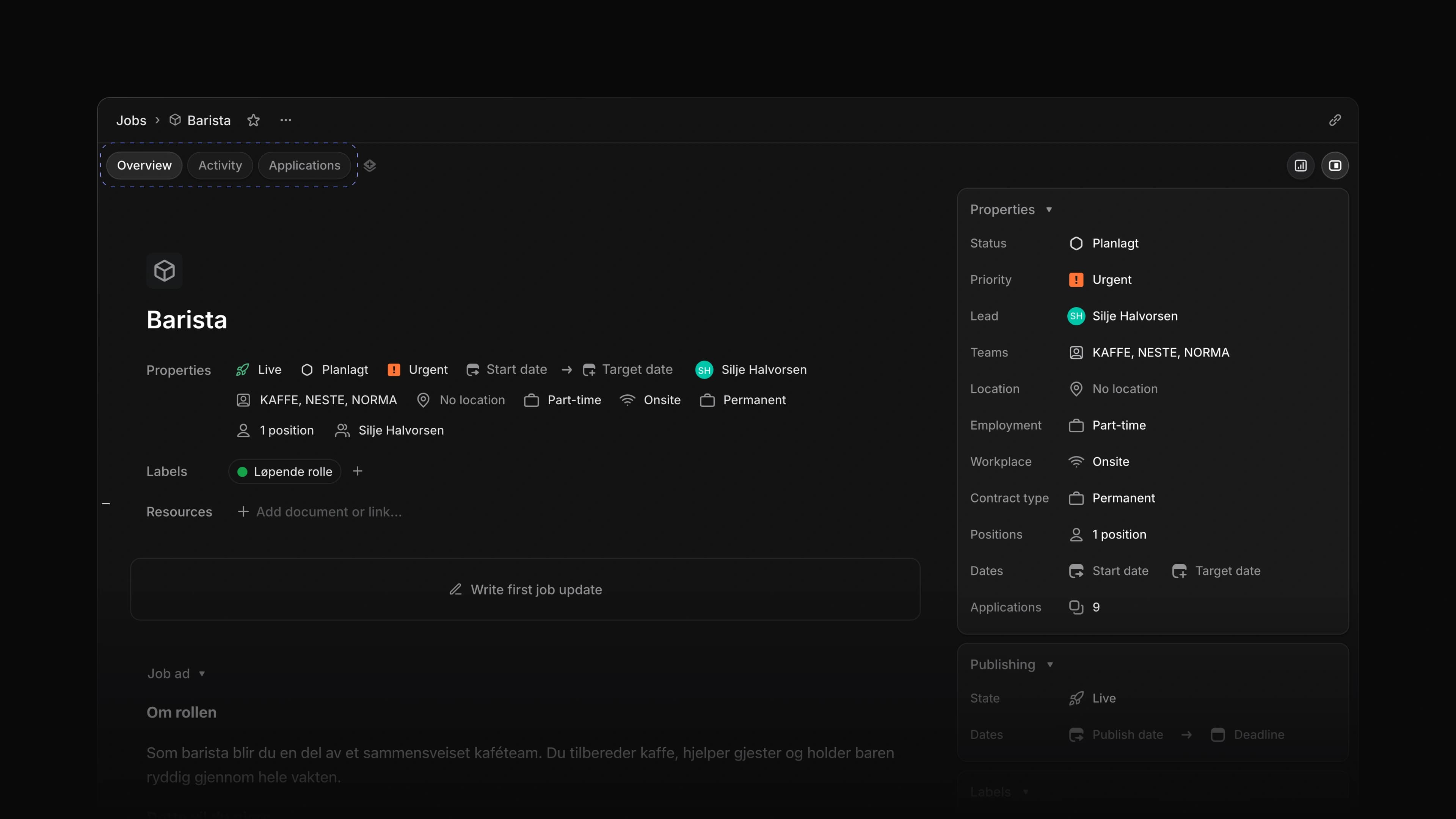
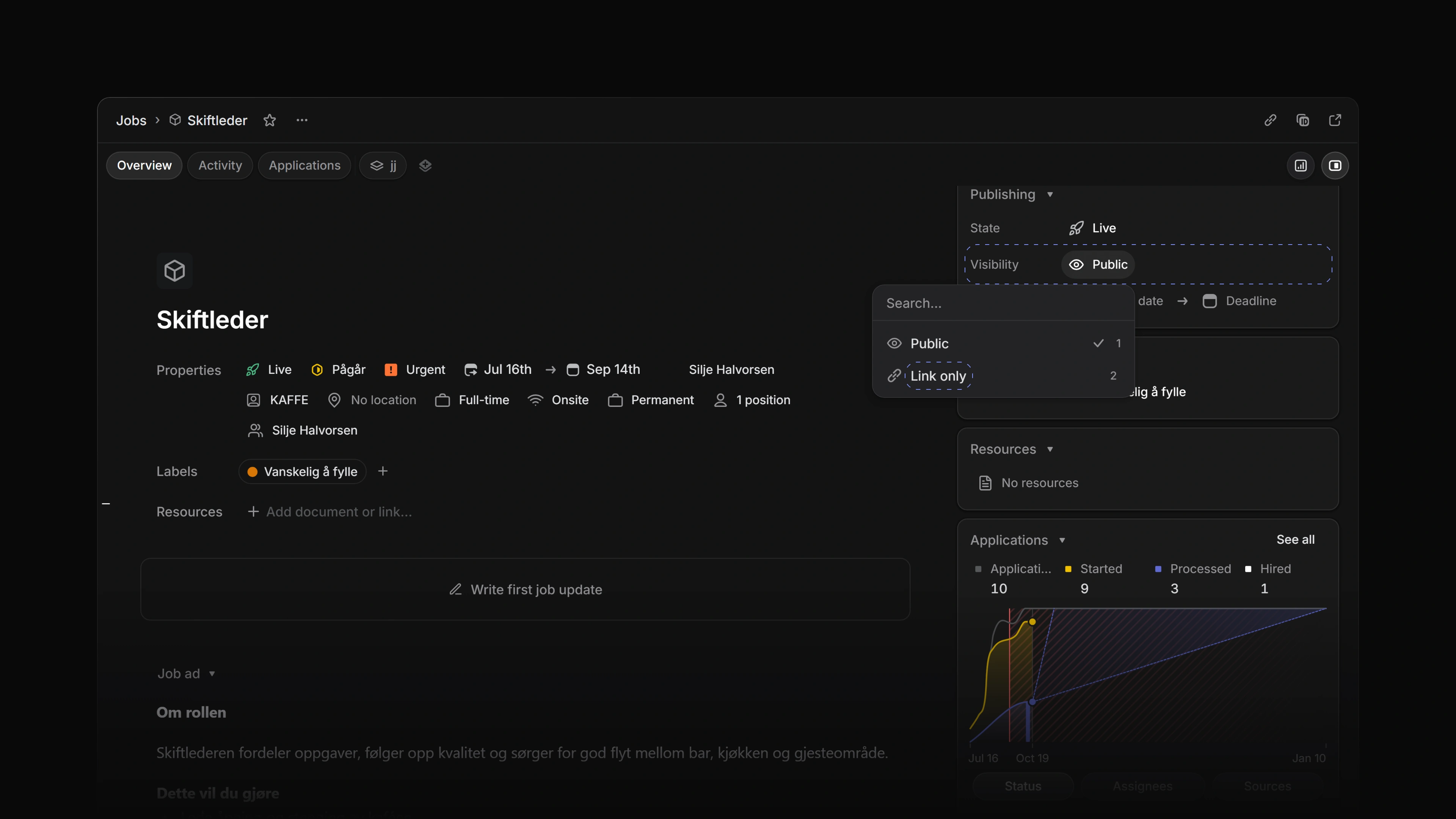
The Publishing card on a job now has a Visibility row. Public is the default. Link only keeps the job live and open for applications, but takes it off the career site's job lists, so only people with the link find it. A job that is not live yet has a private preview link. Choose Copy preview link in the menu next to the job's name and send it to anyone, with no sign-in needed. The preview takes no applications, and once the job is live the link opens the live job page. Reset link turns the old link off. A live job has Copy link in the same menu.
 Zoom image
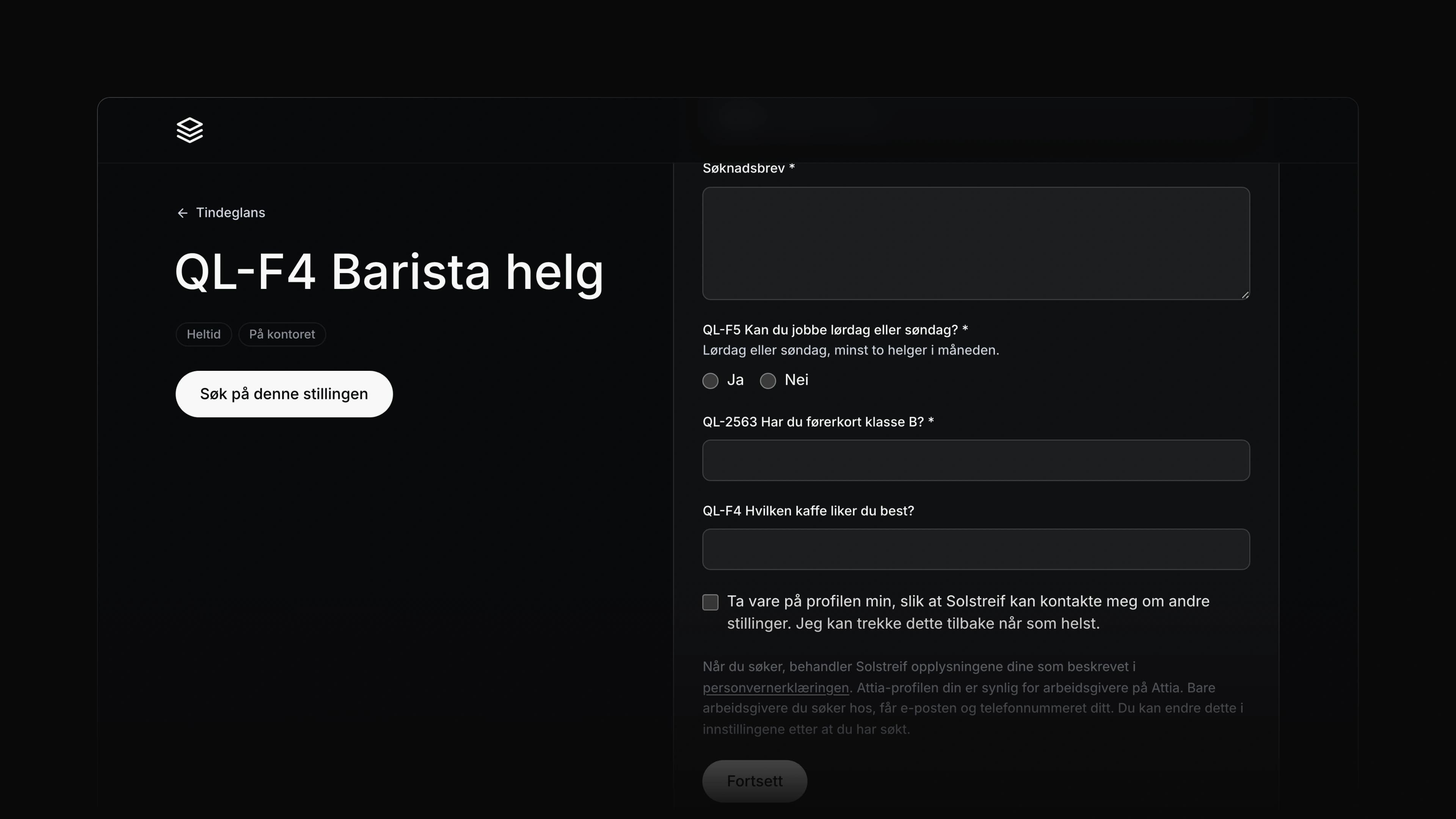
Private documents for candidates
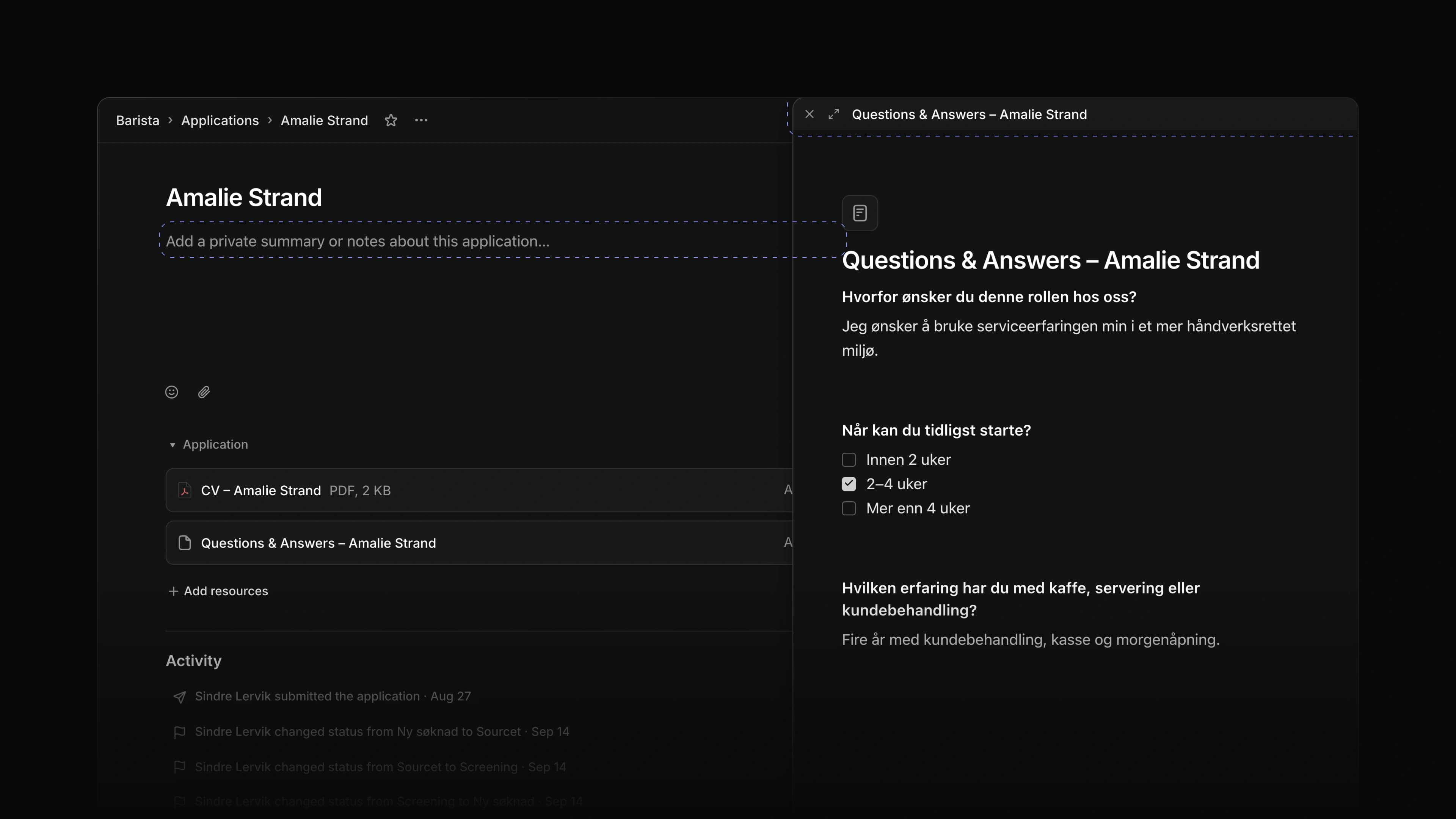
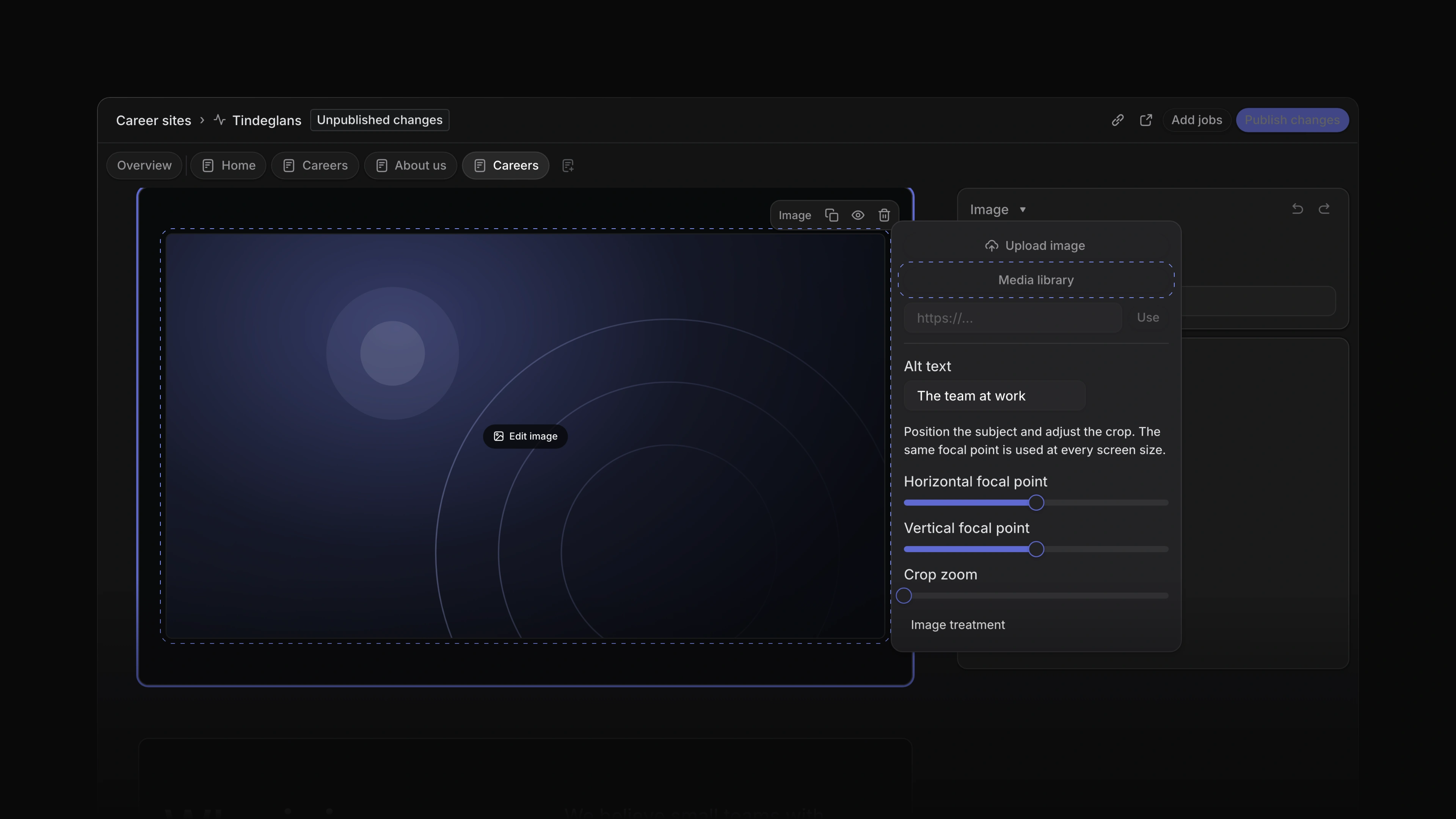
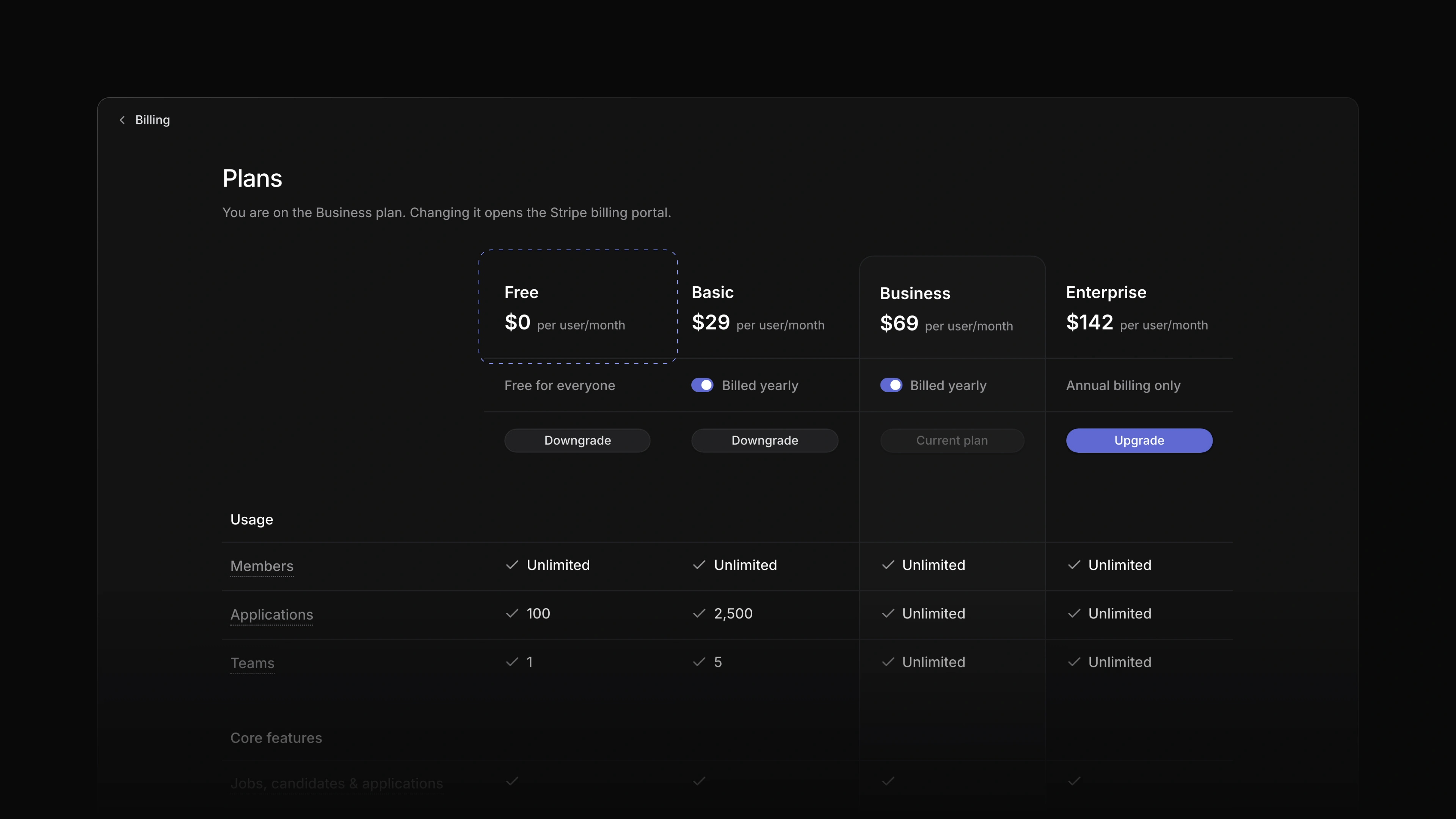
Candidates could already keep private files on an application in their Attia account. Now they can write private documents there too. The application page has a Documents section with New document, and a document saves as the candidate types. Only the candidate sees these documents and files, never your team. When your workspace is on Business or Enterprise, a candidate's private file can now be up to 25 MB or 100 MB.
- Applications Changed a thread with more than six comments to fold down to the first comment, one line that says who wrote the hidden ones, and the last four.
- Applications Changed a mention of a person or of Attia in a comment to plain bold text. Point at a mention to see a small card about who it names.
- Applications Changed who can delete a comment on a job or an application. Anyone who can see the comment can now delete it, not only the person who wrote it.
- Applications Added Delete on a message you sent to a candidate. The message disappears for the candidate and for your team.
- Filters Added filtering on numbers and dates between two values.
- Imports Added a job feed address to Import from website on a career site. The field names the recruiting system whose job feeds it reads, and you paste the address that system's support gave you.
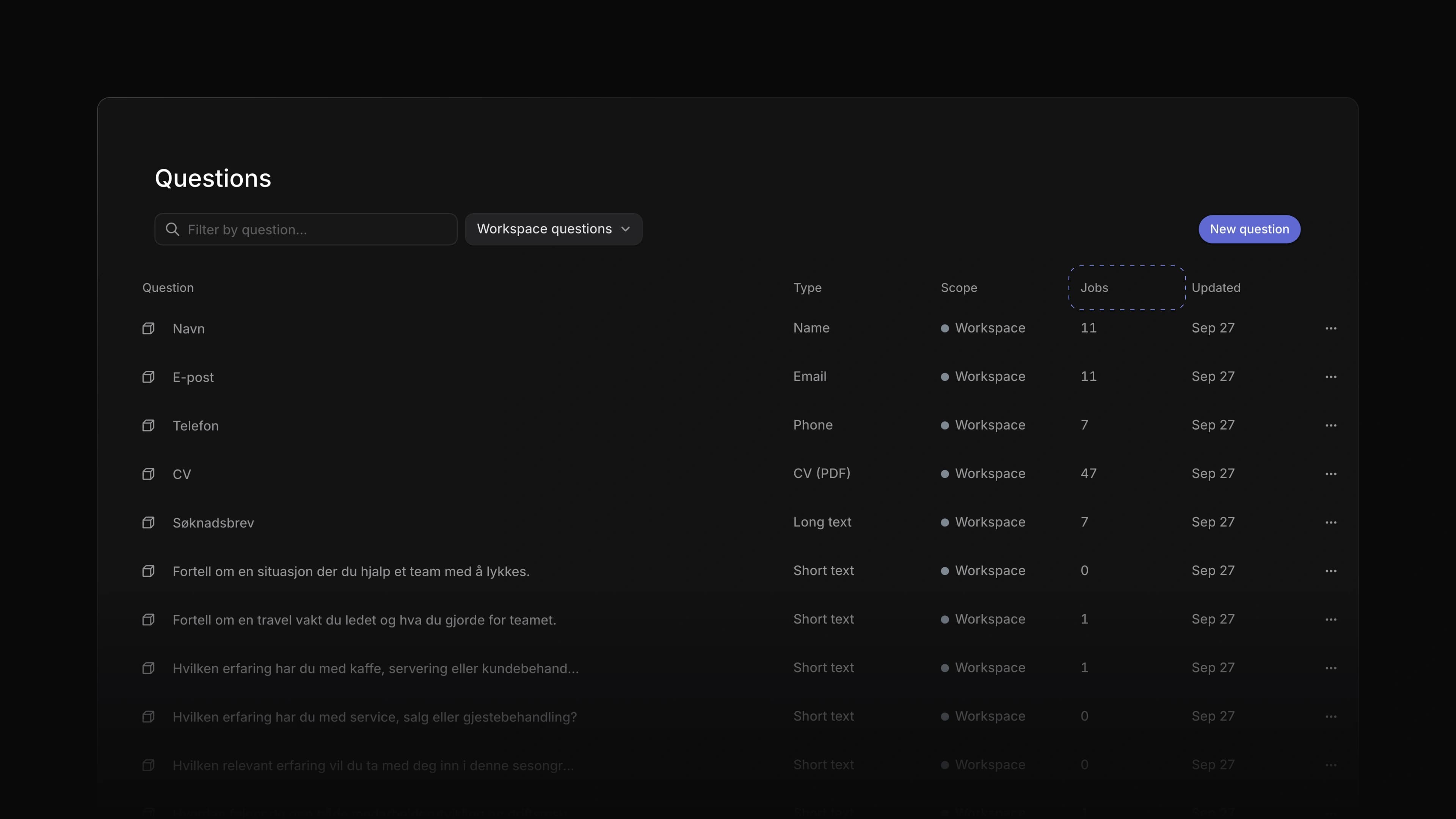
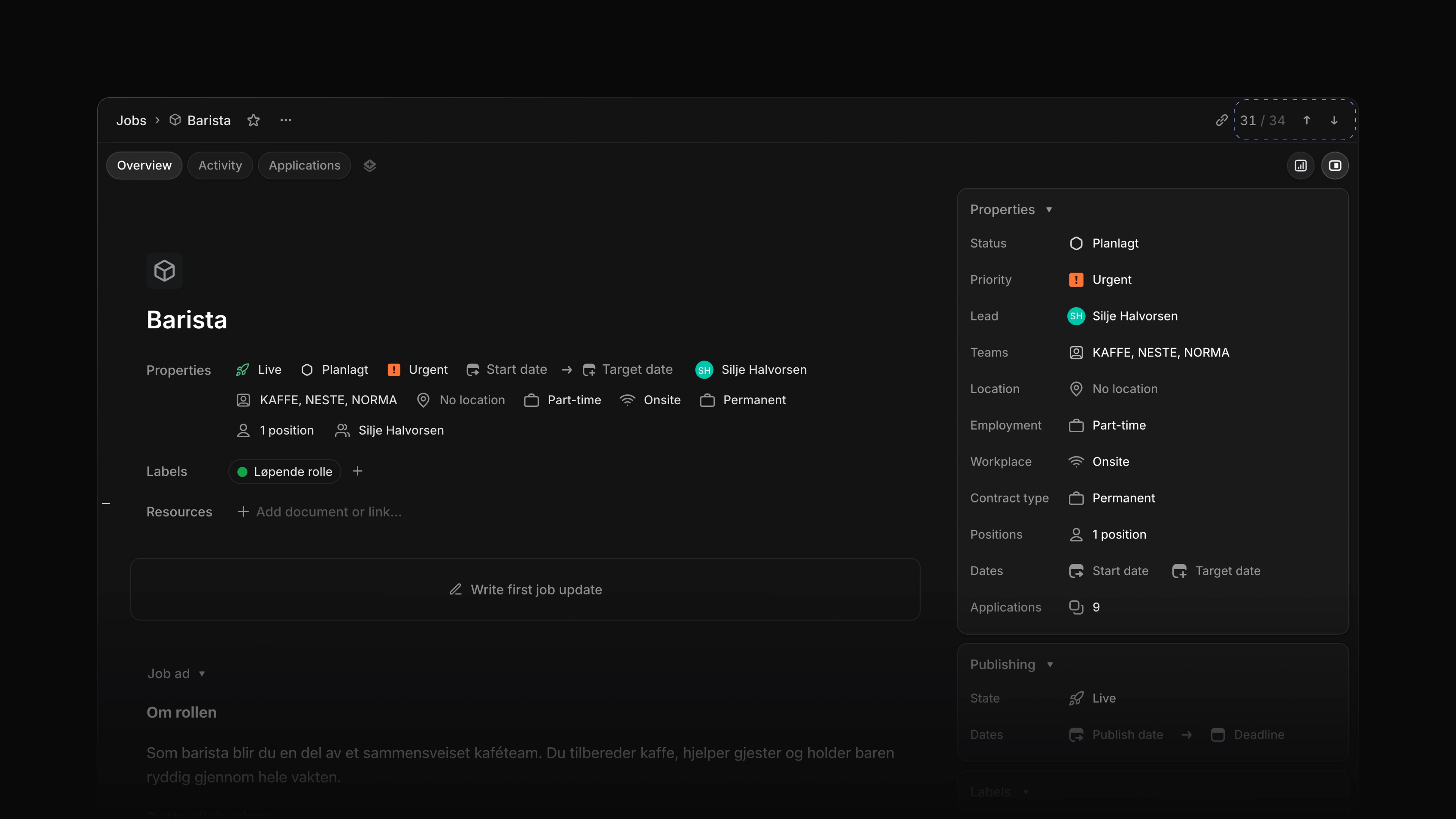
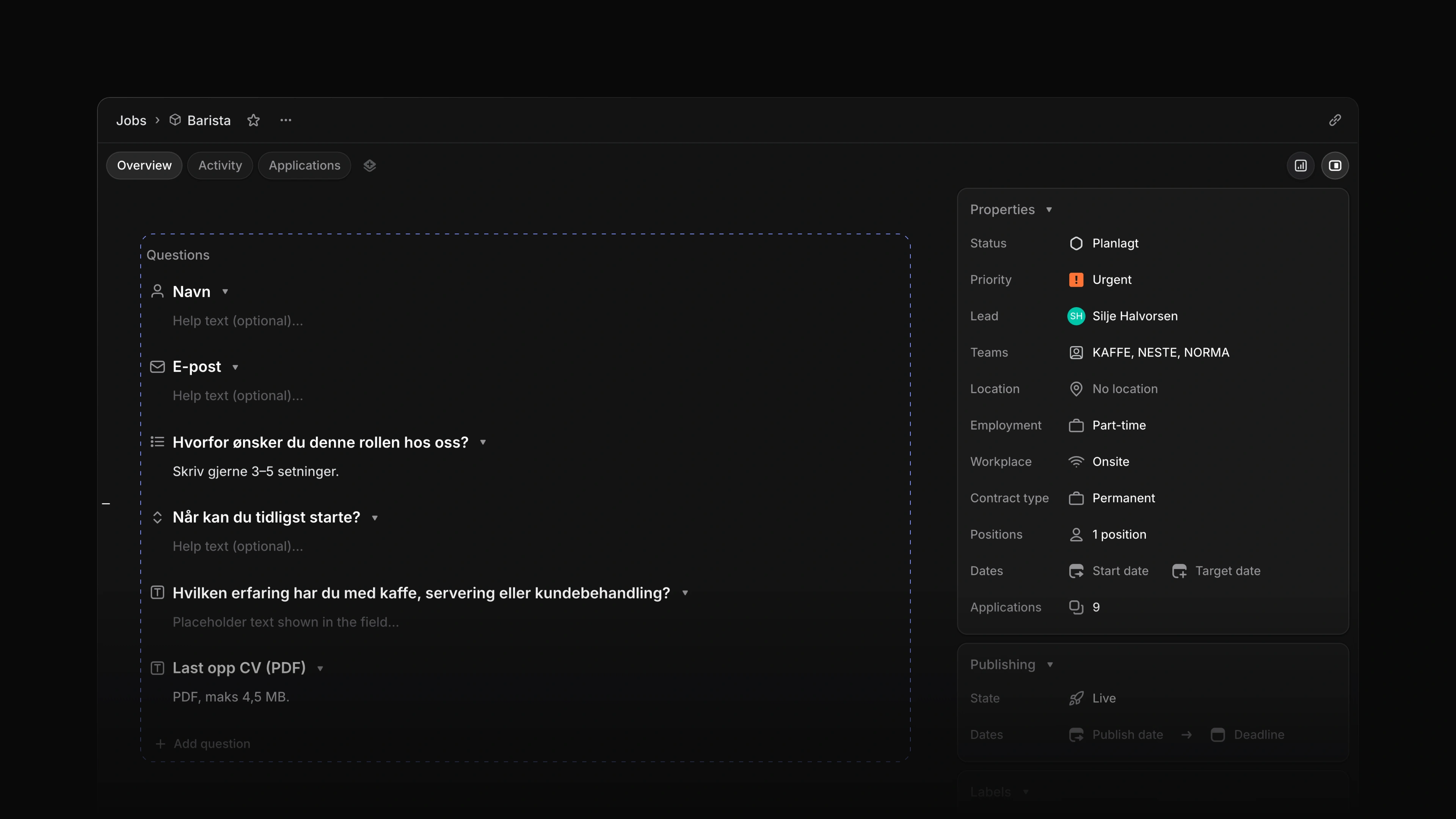
- Jobs Changed job questions so you create them right in the list, on the job's Overview and in Create job. Questions start folded, and you edit a question's options where they are.
- Jobs Changed the job page and the candidate page to remember whether you left the details panel open or closed.
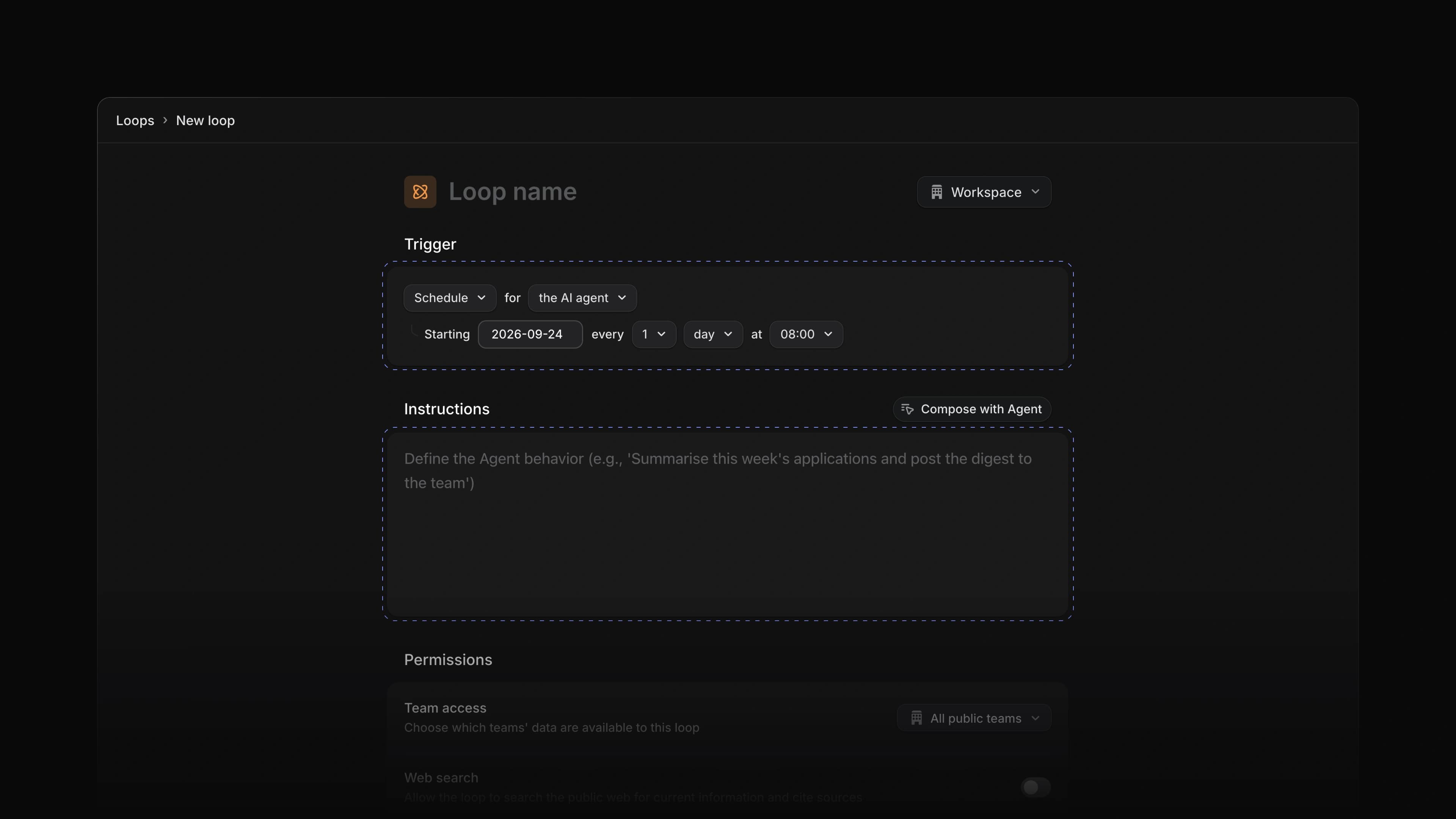
- Performance Changed a new Loop, a Loop from a template, a new document and a new career site to open the moment you click, while Attia saves in the background.
- Templates Added a job template written from your company's own job listings to a new workspace, when Attia finds those listings at sign-up.
- Views Added Delete for a selection of applications, candidates, team documents, saved views, Loops and labels. Apart from labels, one Undo brings the whole selection back. Only admins can delete candidates.
- Workspace Changed the browser tab title to name the page and the tab you have open.
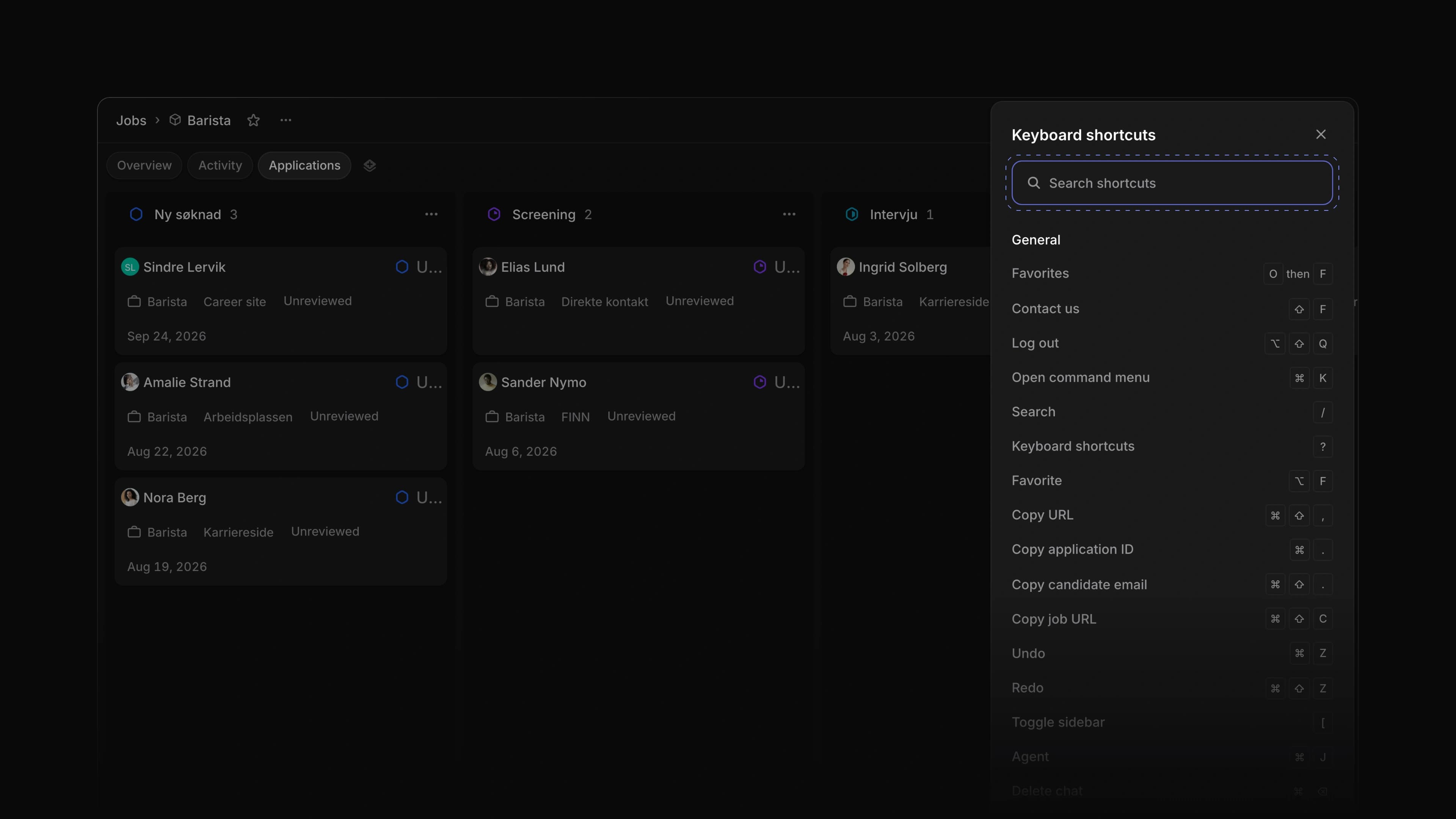
- Keyboard shortcuts Changed the go-to keys.
GthenPnow opens Jobs,GthenJopens Agent andGthenUopens Members.
- Applications Fixed every assignment in an application's Activity reading removed the assignee. It now names who the application was assigned to.
- Candidates Fixed a new candidate being lost when you left the page right after creating it.
- Career sites Fixed Publish in the career sites list being refused.
- Documents Fixed reloading, closing the tab or leaving the site while a document's last change was still saving. The browser now asks first.
- Editor Fixed Escape in a comment's edit box cancelling the edit while the @ menu was open. Escape now closes the menu first, and Edit puts the cursor at the end of the comment.
- Inbox Fixed a candidate's reply from their Attia account not reaching the Inbox. It now reaches whoever wrote the message and everyone who follows the application.
- Inbox Fixed an application past its response deadline showing as At risk in the Inbox. Notices about response deadlines now reach everyone who follows the application.
- Settings Fixed your profile page losing a change when you pressed Back before leaving the field.
- Views Fixed a view saved on a team's Jobs list that could not be deleted and did not show on the Views pages.