Introducing Attia Agent
 Zoom image
Some questions about your hiring take longer to find than to ask. Until now you answered them by opening one job after another.
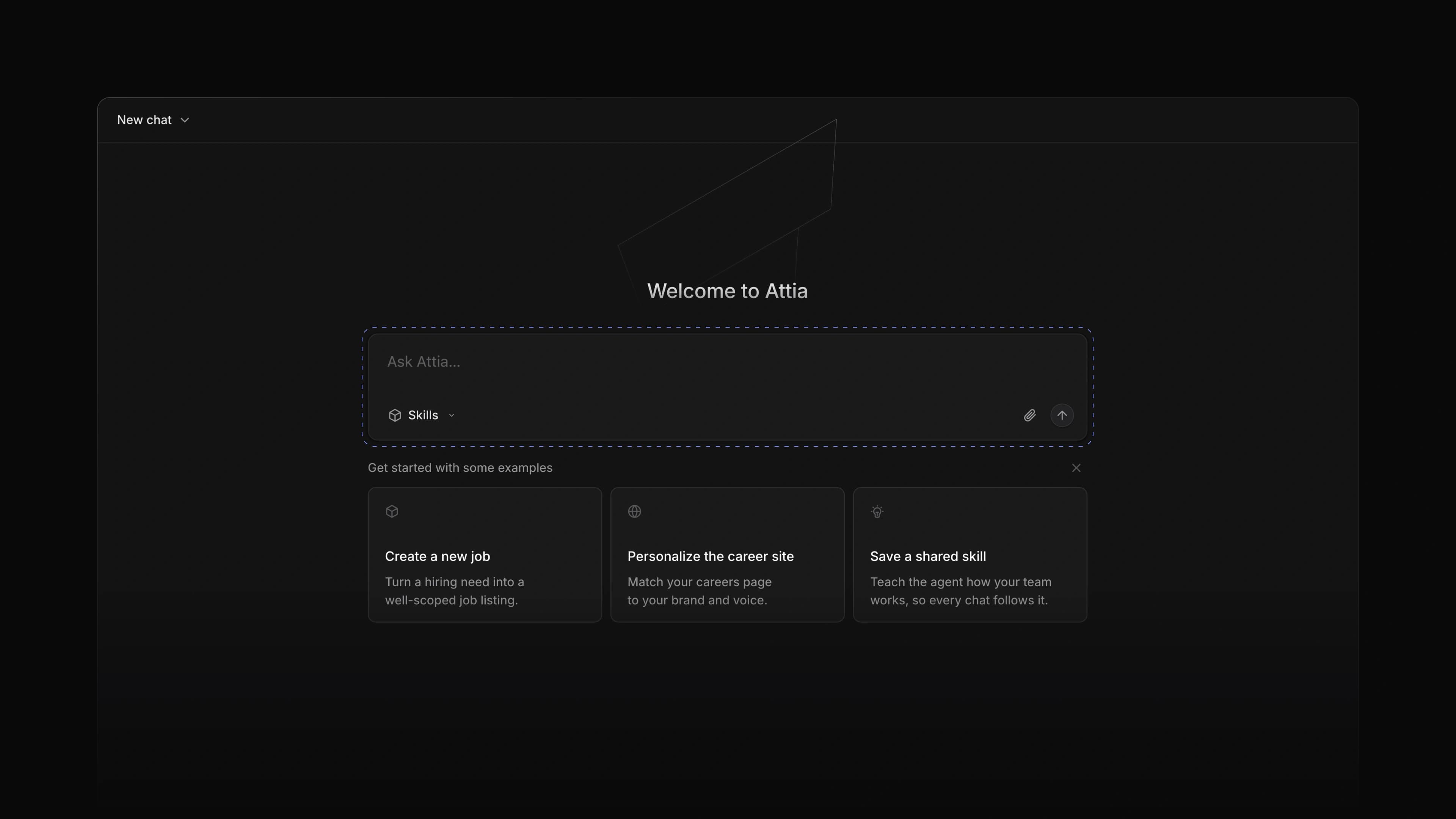
Attia Agent is a chat you open from any page in Attia. It reads the jobs you have access to and drafts new ones in the teams you can edit. Ask which of your jobs are still open, and Attia answers in the chat while the page you were on stays open behind it.
To start, press Cmd J, or Ctrl J on Windows, or choose Agent in the bottom right corner.
A chat on every page
The chat opens as a panel over the page you are on. You can minimize it, close it and open it again, and the conversation is still there. Choose Open full page when you want more room.
Chat history
Every chat gets a name and is saved. Choose the clock beside Agent to open Chat history, and pick up any earlier chat where you left it.
The Stop button
When Attia is answering and you want to ask something else, choose Stop. The reply ends at once.
- Settings Added Enable Attia Agent under AI & Agents in Settings, so an admin can turn the agent off for the workspace.
- Agent Added
Cmd/CtrlJto open and close the agent chat.
- Agent Fixed the first message in a new chat failing to send.
- Agent Fixed a short greeting getting a list of every job in reply.
- Agent Fixed the resize handles on the chat panel not showing.