Job updates
 Zoom image
When a hiring manager asks how a role is going, the answer is spread out: the status, the dates, a chat message, someone's memory. Until now a job had only a plain list of changes, and no place to say where things stood.
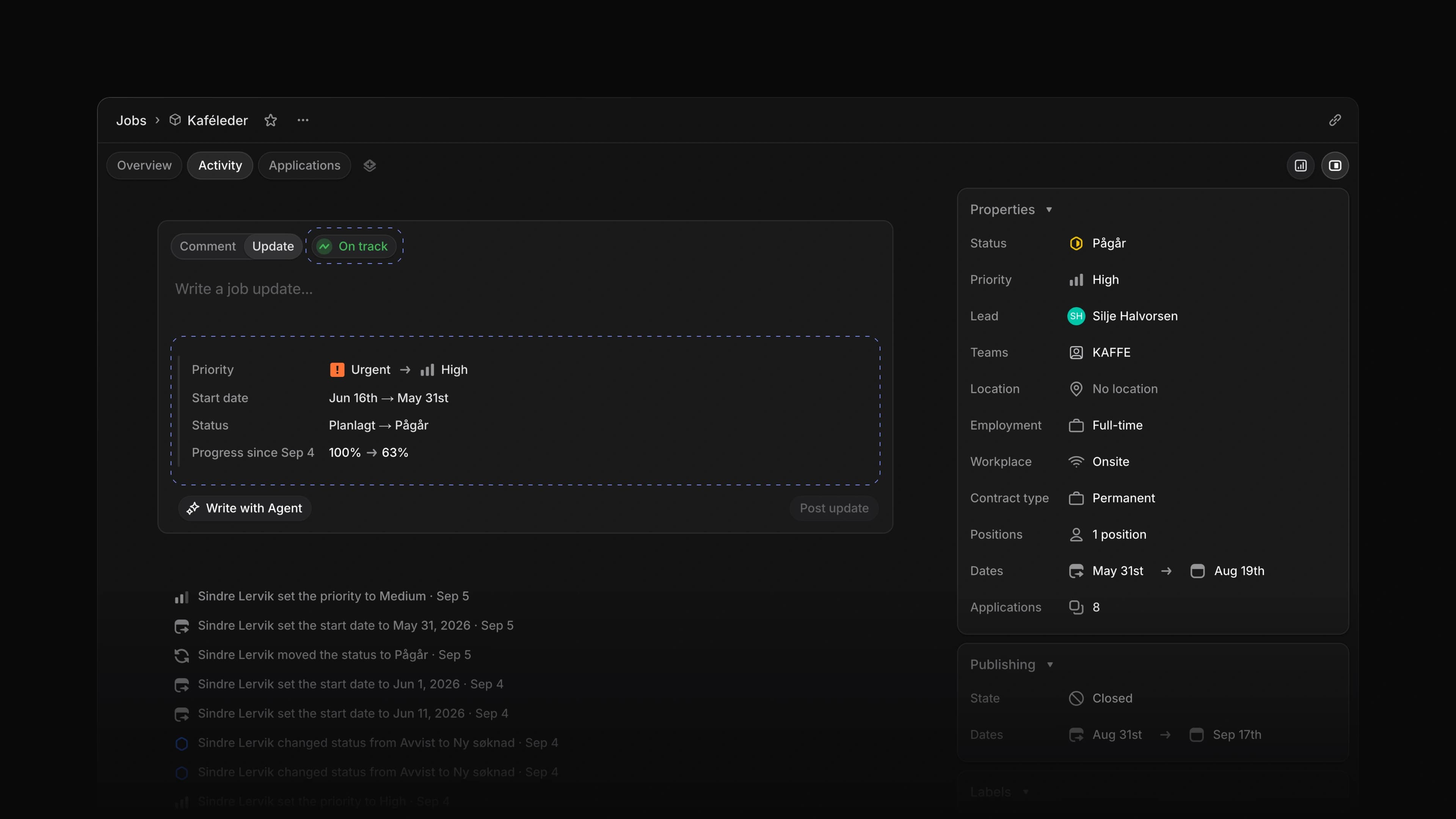
A job's Activity tab now takes updates. Choose Update in the box at the top, write a few lines and set the job's health: On track, At risk or Off track. Attia adds what changed since the last update, so nobody has to list it by hand. Below the box, updates, comments and the job's history sit in one feed.
Say the start date moves and two candidates drop out. Post an update marked At risk, and the new date is already in it. To start, open a job, choose Activity and choose Update.
Changes since the last update
Before you post, the box lists what moved since the last update, such as the status, priority, dates, lead or progress. The posted update keeps that list, so a reader sees the new date beside your words.
Comments and threads
Choose Comment to ask the team something about the job. Colleagues reply under a comment or an update and add reactions. Choose Mark as Solution on the reply that settles the question.
Edit or delete
Open the menu on an update or a comment you wrote to edit it or delete it.
Next and previous records
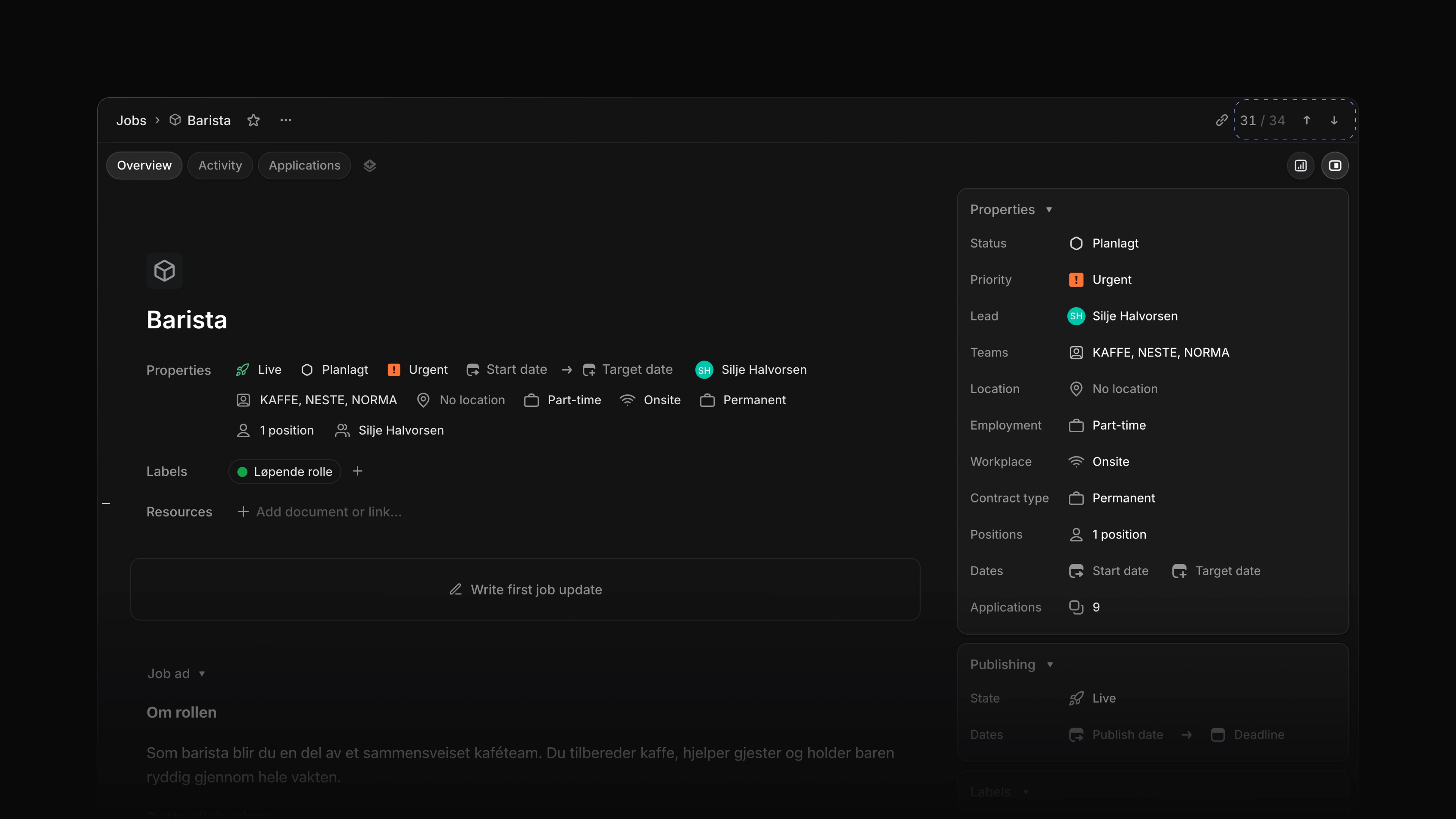
Open a job or a candidate from a list, and the top of the page shows where it sits in that list, such as 3 / 33, with arrows for the one above and the one below. Press Shift J for the next record and Shift K for the previous one. However many records you step through, Back takes you to the list you came from, with its filters as you left them.
 Zoom image
- Inbox Changed Inbox to show the whole job or candidate a notification is about, scrolled to the comment or update that sent it.
- Settings Added a starting setup to every new workspace: a first team, a career site and four application labels.
- Jobs Made jobs, teams and settings open faster, with fewer trips to the server behind each page.
- Career sites Fixed a candidate being turned away when applying to a published job in a private team.
- Career sites Fixed a candidate's list of their own applications failing to open once they had applied.
- Views Fixed a list that kept your filters from last time hiding the filter bar, so rows were missing with no filter in sight.