Question library
 Zoom image
Each job kept its own copy of its application questions. To ask every barista applicant the same thing, you typed the question into every job, and a fix to the wording reached one job at a time.
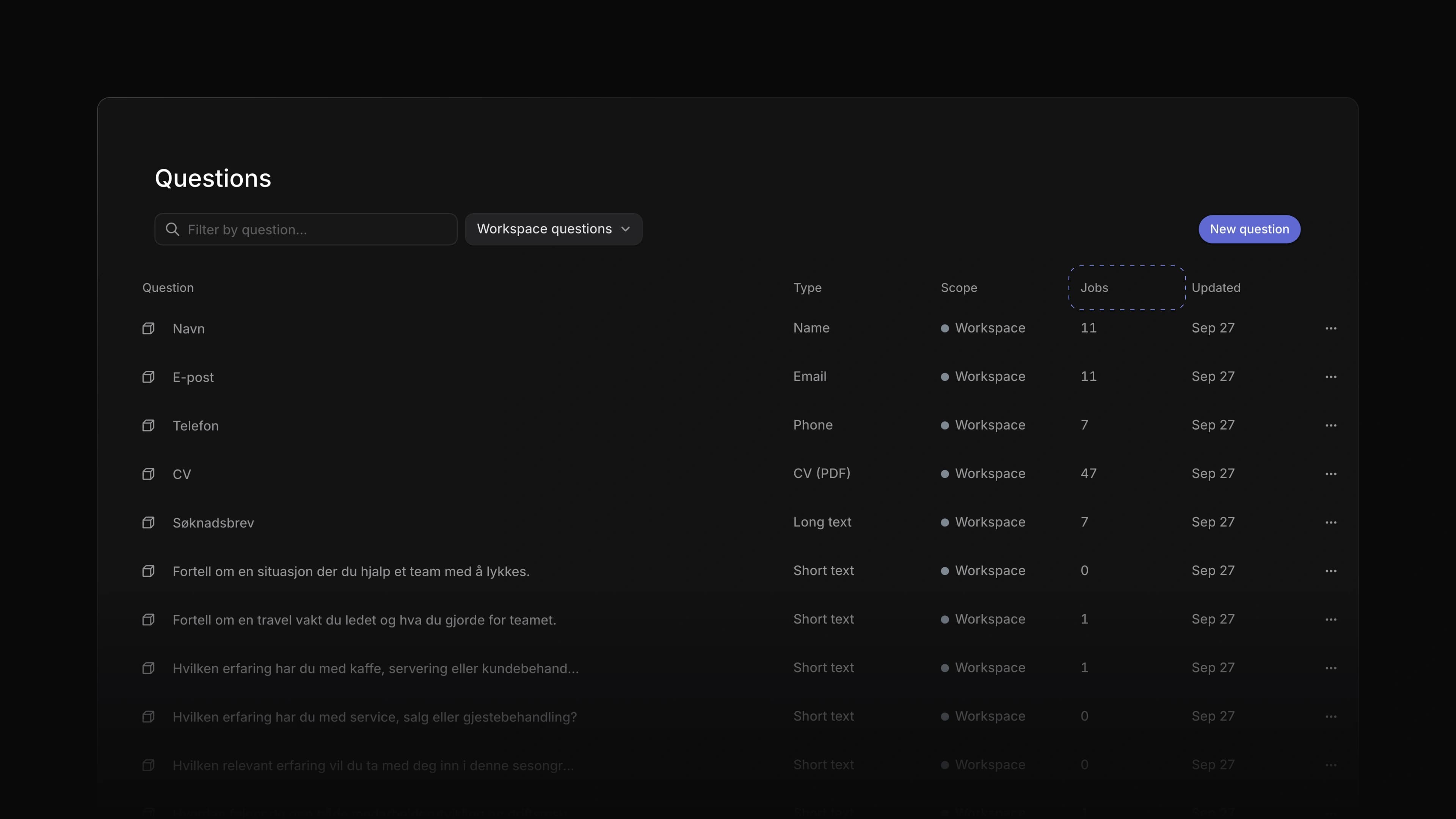
Questions now live in a library. Your workspace and each team keep a list of questions, a job adds its questions from that list, and an edit to a question shows on every job that asks it. A team's applications list filters by the answer to a library question.
Say you hire baristas for a coffee roaster and ask each one how long they have worked behind an espresso bar. Add that question to the library once, switch on Add to new jobs, and every new job starts with it. To start, go to Settings, then Jobs, then Questions, and choose New question.
One library for the workspace and each team
The Questions page under Settings, then Jobs, lists the workspace's questions with their type, scope, how many jobs use each one and when it last changed. Each team has a Questions page too, with its own questions and the ones it gets from the workspace and its parent teams. Add to new jobs means that new jobs start with the question. Choose who may change the library under Settings, then Security, in Manage workspace questions, and on a team's Access and permissions page, in Question management.
One edit for every job
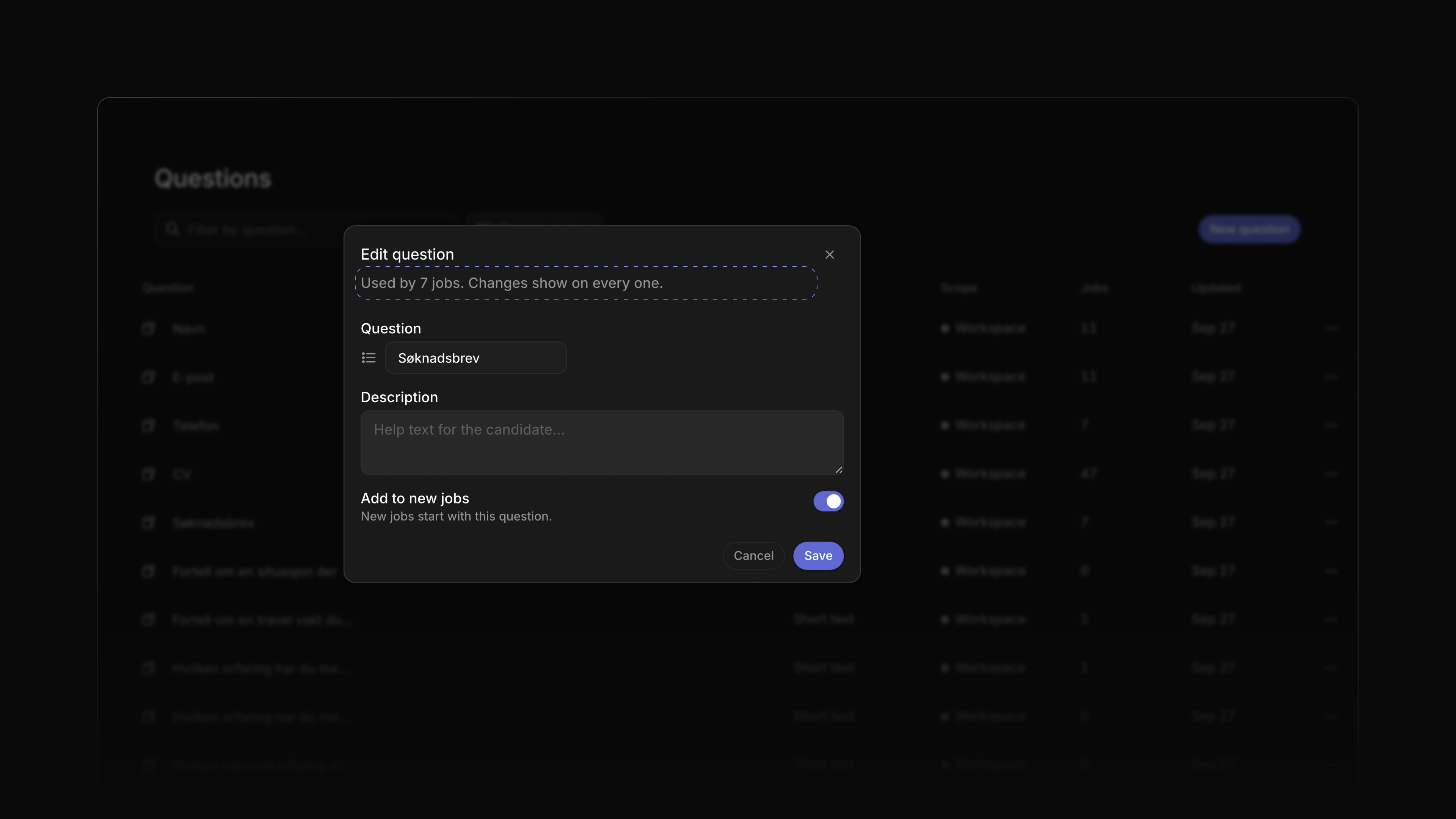
Open a question to edit it. When jobs ask it, the dialog says so, such as Used by 7 jobs. Changes show on every one. Required and the order stay set per job, and an answer a candidate already gave keeps the words they saw.
 Zoom image
Add questions to a job
Add question in the Create job dialog, on the job page and in the job template editor lists the library, grouped into workspace and team questions, and ends with Create question for one that is not there yet. A library question shows its text read-only on the job, and keeps Required, its place in the order and Remove. New jobs and templates, including those Attia Agent creates, start with the questions marked Add to new jobs.
Filter applications by an answer
A team's applications list filters by the answer to a library question. An answer given before an edit to the question still matches.
Contact us inside Attia
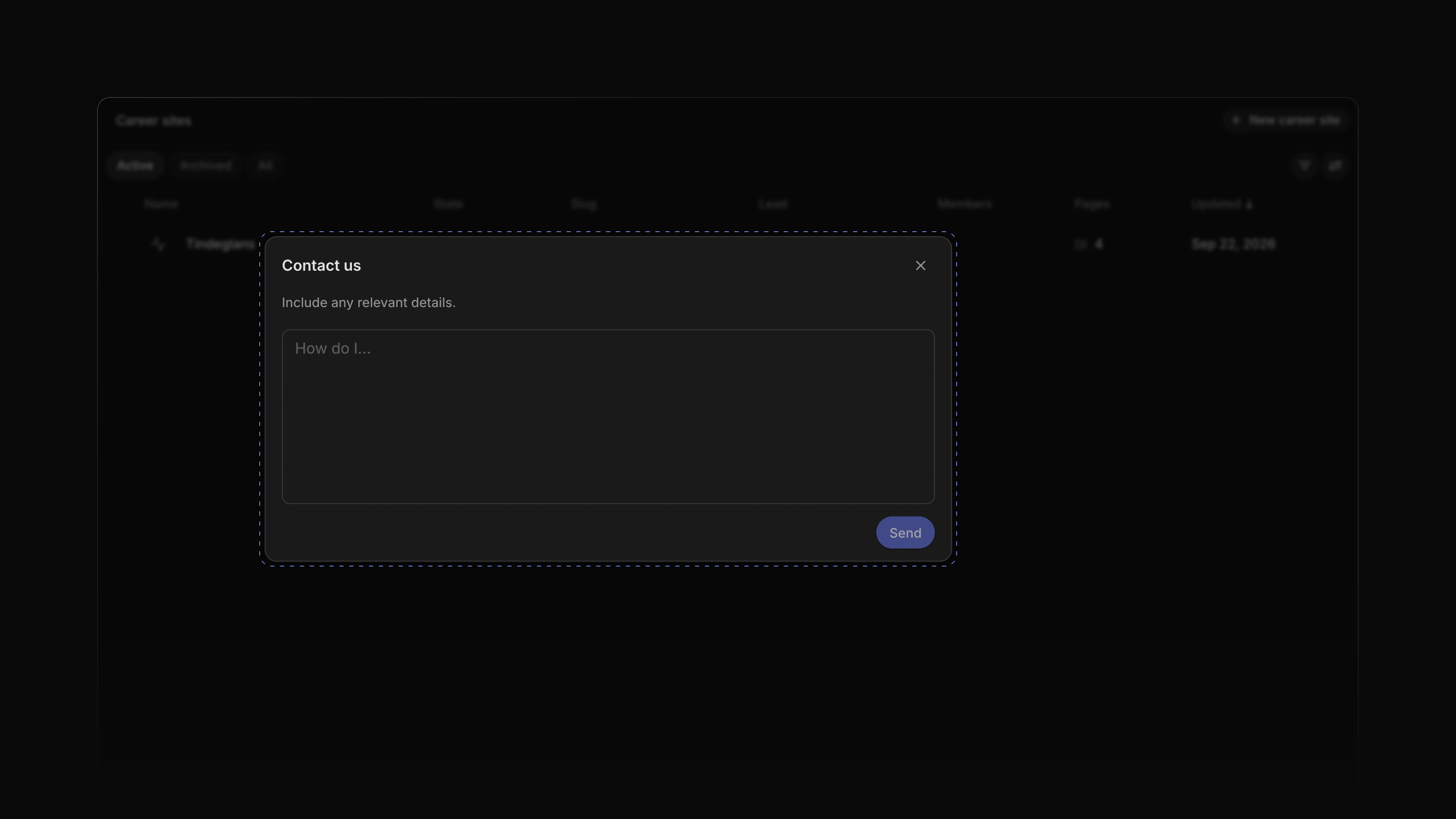
Contact us in the help menu used to open a web page in a new tab. It now opens a dialog inside Attia. Write your message and choose Send, and it reaches the Attia team together with the page you were on. When sending fails, the dialog opens again with your message, so you can send it again.
 Zoom image
Change your email
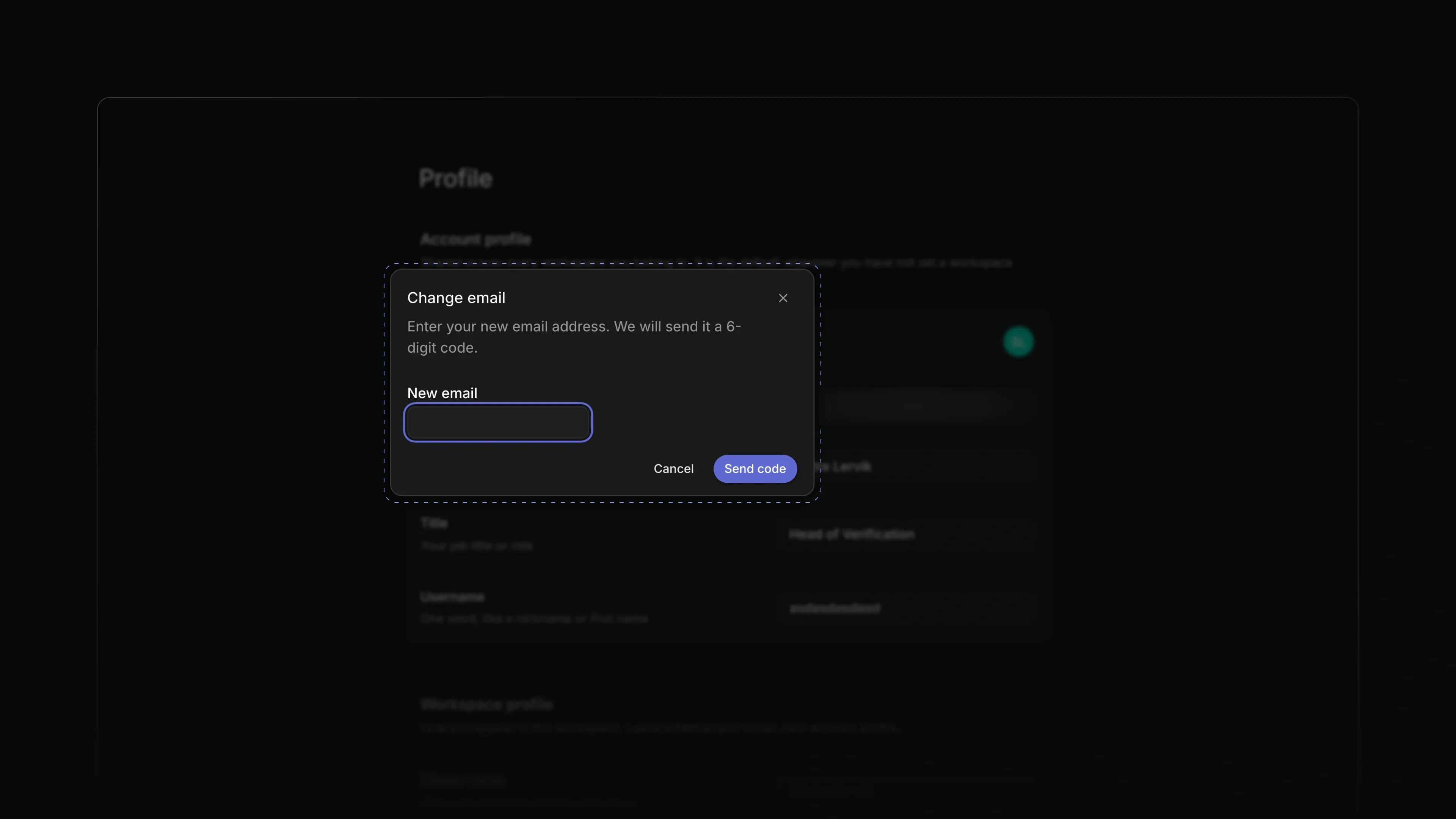
The Email row on your profile used to say that email changes were coming soon. Now the pencil next to it opens Change email. Enter the new address and the 6-digit code sent to it, and the new address replaces the old one on your account. Find it under Settings, then Profile.
 Zoom image
Edit fields in place
Location and Phone on a candidate page turned into a wide box with a border while you edited them. Now you edit the text inside its own chip under the name, or its own row in the Properties panel. Press Enter or click outside to save, and Escape to cancel.
The week starts on Monday
Date pickers in Attia started the week on Sunday. They now start on Monday. To start on another day, go to Settings, then Preferences, and change First day of the week.
- Loops Added library questions to the Send message step in a Loop: a step that waits for an answer can ask one, the candidate answers in a matching field, and the answer filter finds it.
- Career sites Fixed the apply form asking the candidate to reload when the job's questions changed while they filled it in; it now shows the new questions in place and keeps the answers that still apply.