Command menu
 Zoom image
Getting to a settings page meant finding it in the sidebar, and getting to one team's settings meant opening the team list first. Creating a job meant going back to Jobs.
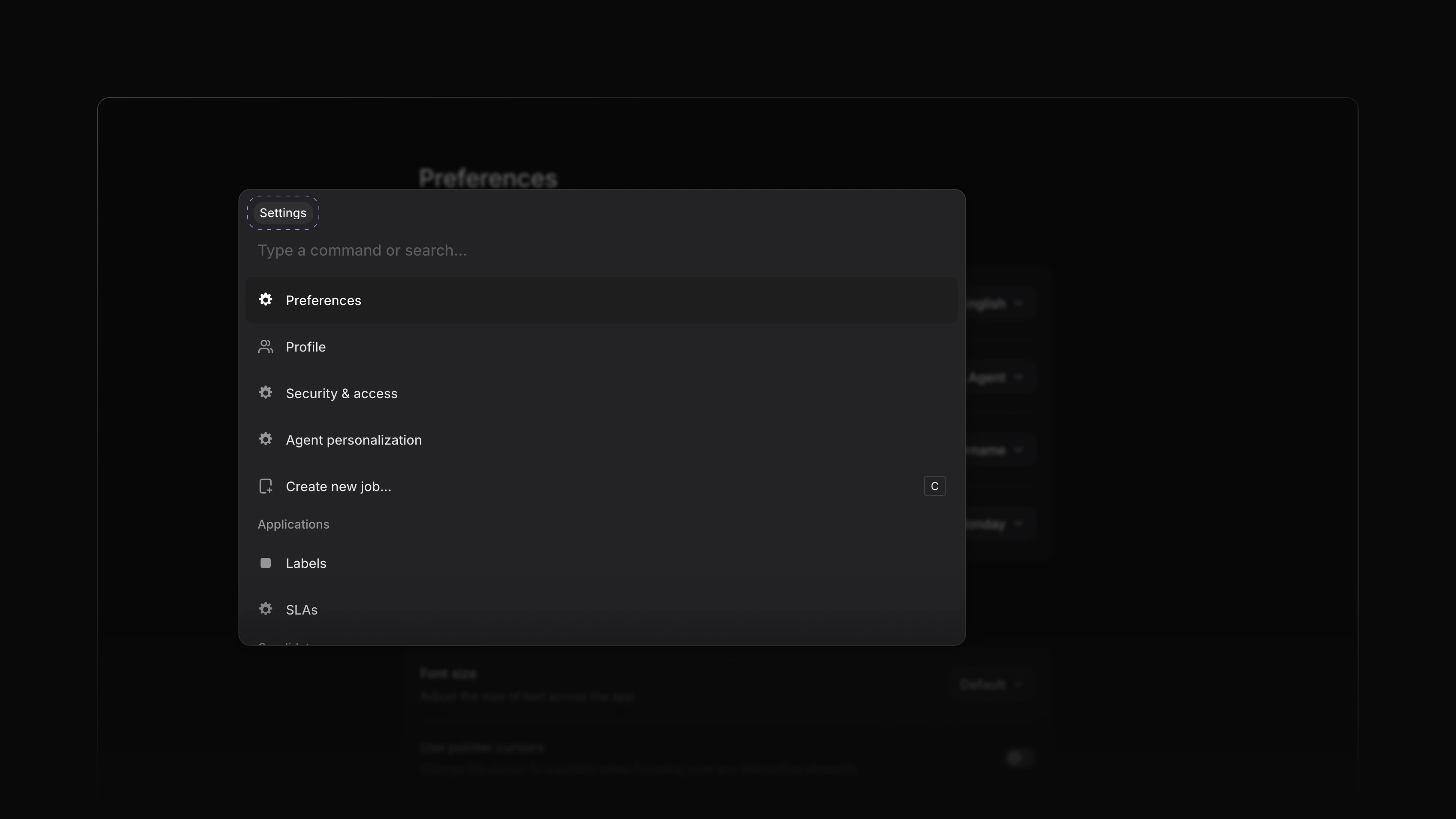
Attia now has a command menu. It opens over the page you are on, lists what you can do from there, and narrows the list as you type. Choose an item, or press Enter, and Attia takes you there.
For example, in Settings, type "lab" to find Labels, or type a team's name to find its settings. To start, press Cmd K, or Ctrl K on Windows.
Settings pages and teams
In Settings, the menu lists every settings page and your teams. Choose a team to see its General, Members, Labels and Workflow pages, then pick one. New team is in the list too.
Commands for the page you are on
The menu changes with the page. On Jobs it offers Create new job..., Open jobs and Open job settings. Elsewhere it offers Open jobs, Open settings and Create new job...